Diagramas de Gantt para el desarrollo de software
Visualiza tu flujo de trabajo de desarrollo desde la planificación hasta el despliegue. Realiza el seguimiento de sprints, gestiona lanzamientos y coordina las dependencias entre equipos.





Con la confianza de más de 25,000 equipos en todo el mundo
Planifica sprints y lanzamientos
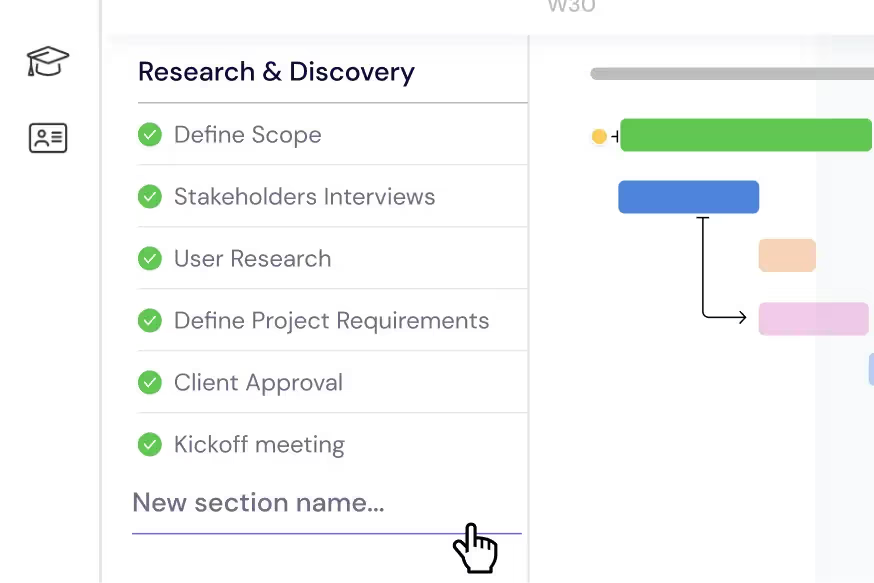
Desglosa tu hoja de ruta en épicas, historias de usuario y subtareas. Organiza cada ciclo de lanzamiento —desde la planificación de funciones hasta la congelación de código— en secciones claras con plazos, dependencias e hitos en tu diagrama de Gantt.
Gestiona tu equipo de ingeniería
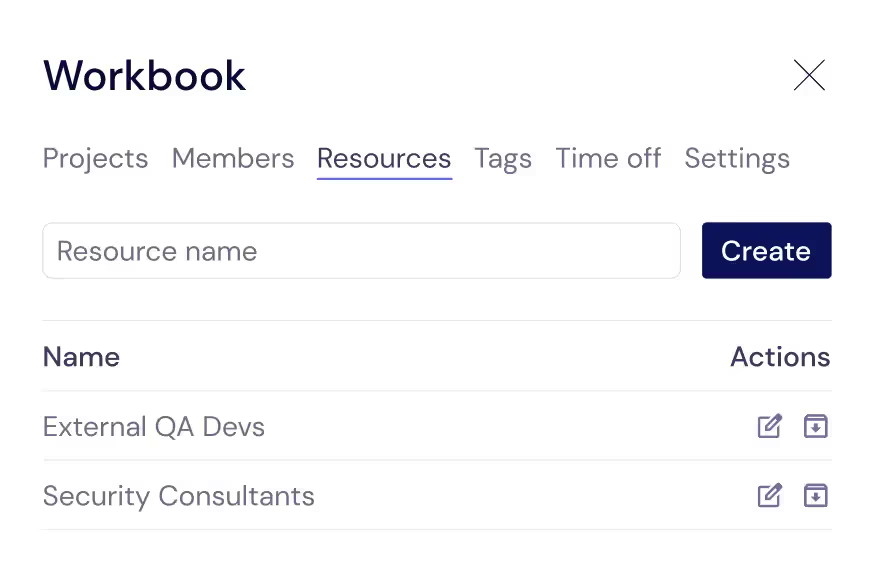
Realiza el seguimiento de cada colaborador que mantiene activo tu código: desarrolladores, ingenieros de QA, diseñadores y contratistas externos. Asígnalos a tareas para que siempre sepas quién está trabajando en qué y cuándo están disponibles.
Equilibra las cargas de trabajo de los desarrolladores
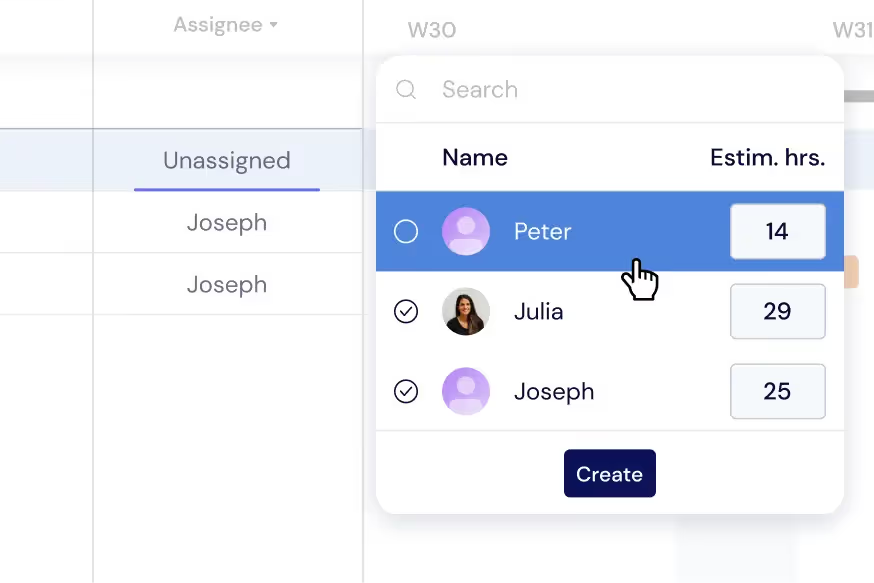
Distribuye las tareas entre tu equipo de ingeniería para evitar el agotamiento y el incumplimiento de plazos. Supervisa las cargas de trabajo individuales directamente en tu diagrama de Gantt o cambia a la Vista de carga de trabajo para reequilibrar las asignaciones de sprint en tiempo real.
Obtén una visión general de todos los proyectos
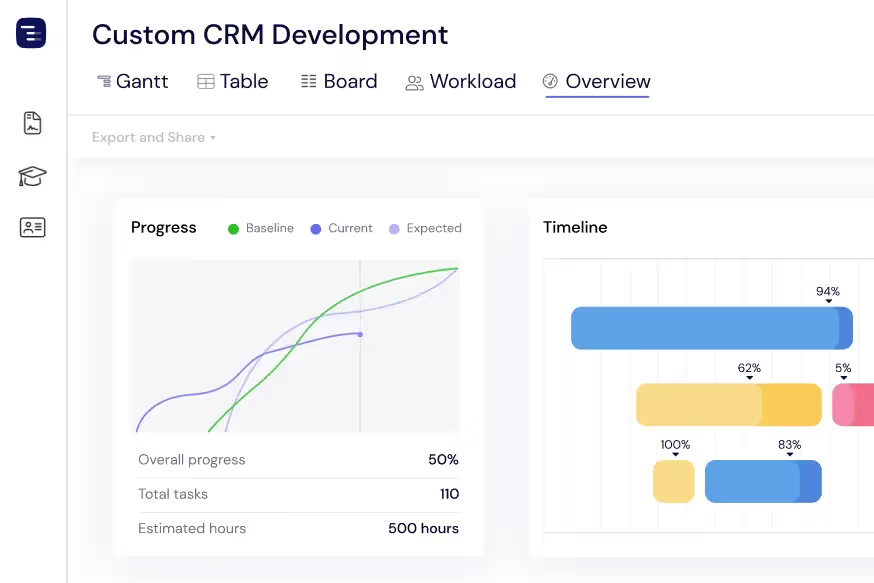
Visualiza cada proyecto activo y lanzamiento de un vistazo con la Vista general. Supervisa el progreso del sprint, los próximos plazos y la capacidad del equipo sin perderte en los detalles. Cambia entre las vistas de Gantt, Tabla o Tablero según sea necesario.
Comparte actualizaciones con las partes interesadas
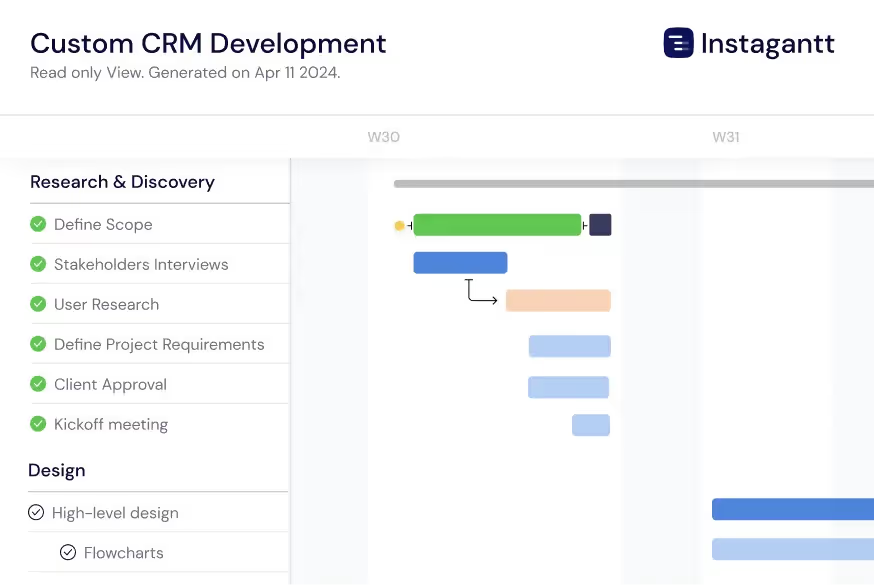
Exporta las líneas de tiempo de lanzamiento como PDF, PNG o hojas de cálculo para compartirlas con dueños de producto, ejecutivos y clientes. Utiliza las Capturas públicas para ofrecer a los interesados una vista en vivo de solo lectura de tu cronograma de desarrollo en Instagantt.
Track Technical Debt and Bug Fixes
Manage technical debt reduction and critical bug fixes alongside feature development on the same timeline. Create dedicated sections for tech debt sprints, security patches, and performance improvements so engineering managers can visualize the balance between new features and maintenance work. Link bug resolution to release milestones with dependencies to ensure release-blocking bugs are resolved before deployment. This unified view helps engineering leaders communicate to stakeholders why technical investment is necessary and how it fits within the overall release schedule.
Visualize the Critical Path
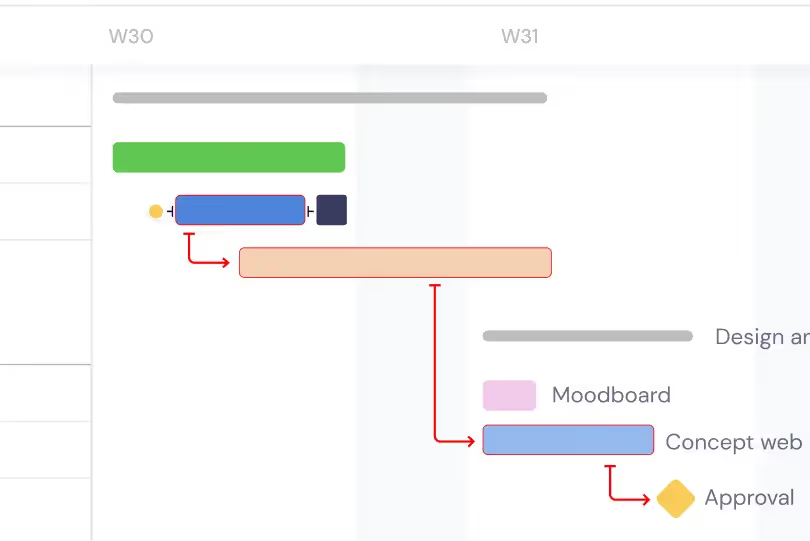
Enable critical path highlighting to see which chain of dependent tasks determines your release date. The critical path reveals the minimum time needed to deliver your release and identifies exactly which tasks cannot slip without delaying the entire release. Focus engineering effort on critical path tasks during crunch time, and use the critical path analysis to make informed decisions about scope cuts, timeline extensions, or additional resourcing. Understanding the critical path transforms release planning from guesswork into data-driven decision making.
AI-Powered Sprint Planning
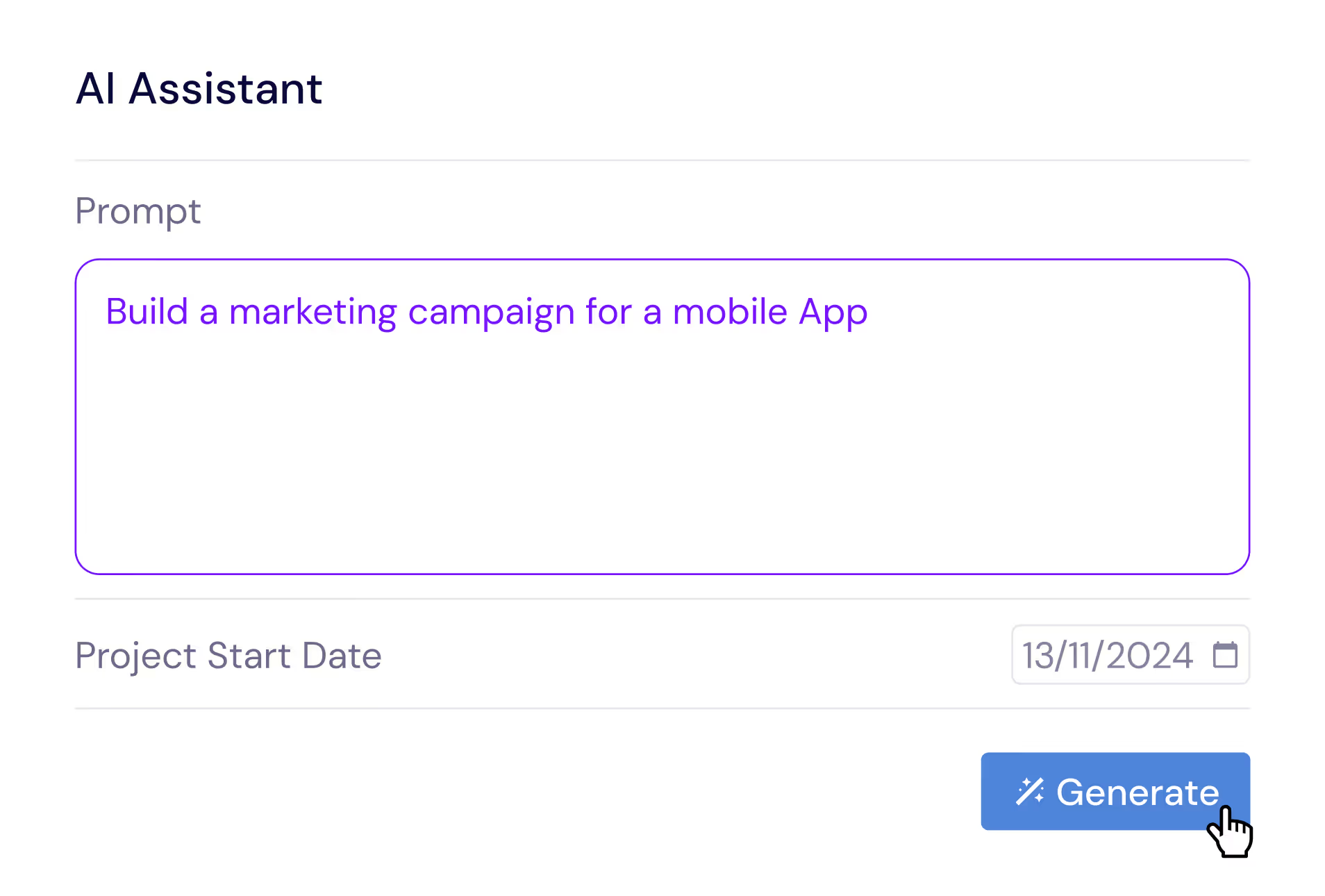
Describe your release in plain English and let the AI Assistant generate a complete project plan with epics, user stories, subtasks, estimated durations, and dependencies. Say something like 'Plan a SaaS feature release with API design, frontend development, backend development, integration testing, and staged rollout phases' and receive a professional release structure in seconds. Refine the generated plan with follow-up prompts, then save it as a template for future releases. The AI understands software development concepts like code reviews, staging environments, and feature flag rollouts.
Compare Releases with Baselines
Create baseline snapshots of your release plan at sprint boundaries, planning milestones, or stakeholder checkpoints and compare the original plan against actual progress. Baselines are invaluable for retrospectives and estimation improvement. They help engineering managers quantify schedule drift — see which features took longer than estimated, which were added mid-cycle, and how the overall timeline shifted since the release was planned. This data improves future estimation accuracy and gives engineering leaders the evidence they need to push back on unrealistic scope additions or timeline compression.
Multiple Views for Engineering Teams
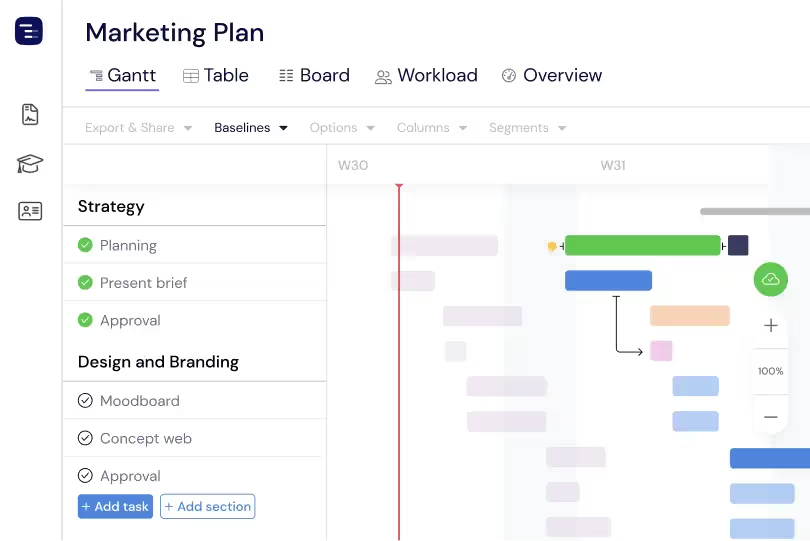
Switch between Gantt chart, Table View, Board View, and Overview depending on the context. Use the Gantt chart for release planning and cross-team dependency management, the Table View for detailed sprint data analysis, the Kanban Board for daily stand-up tracking and sprint execution, and the Overview for engineering leadership reporting. Each view shows the same project data from a different perspective. Engineering managers can present to executives using the Overview, plan sprints using the Gantt chart, and track daily progress using the Board — all from the same project without maintaining separate tools.
Custom Fields for Engineering Data
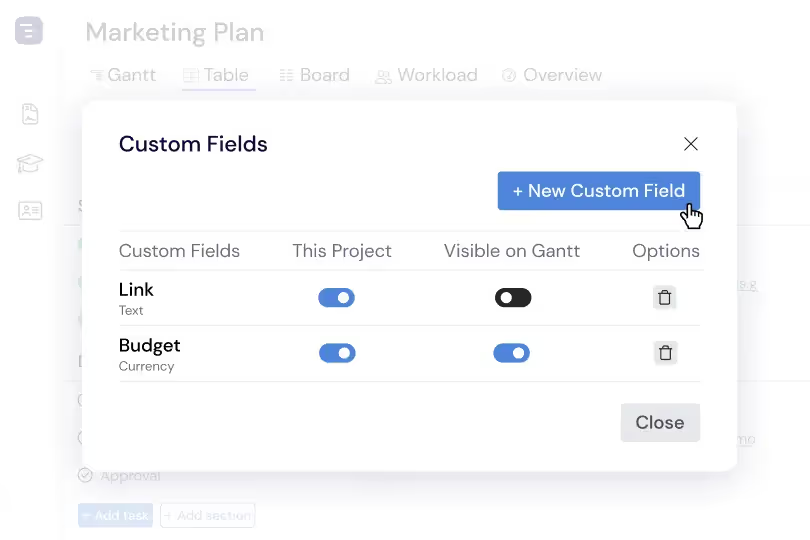
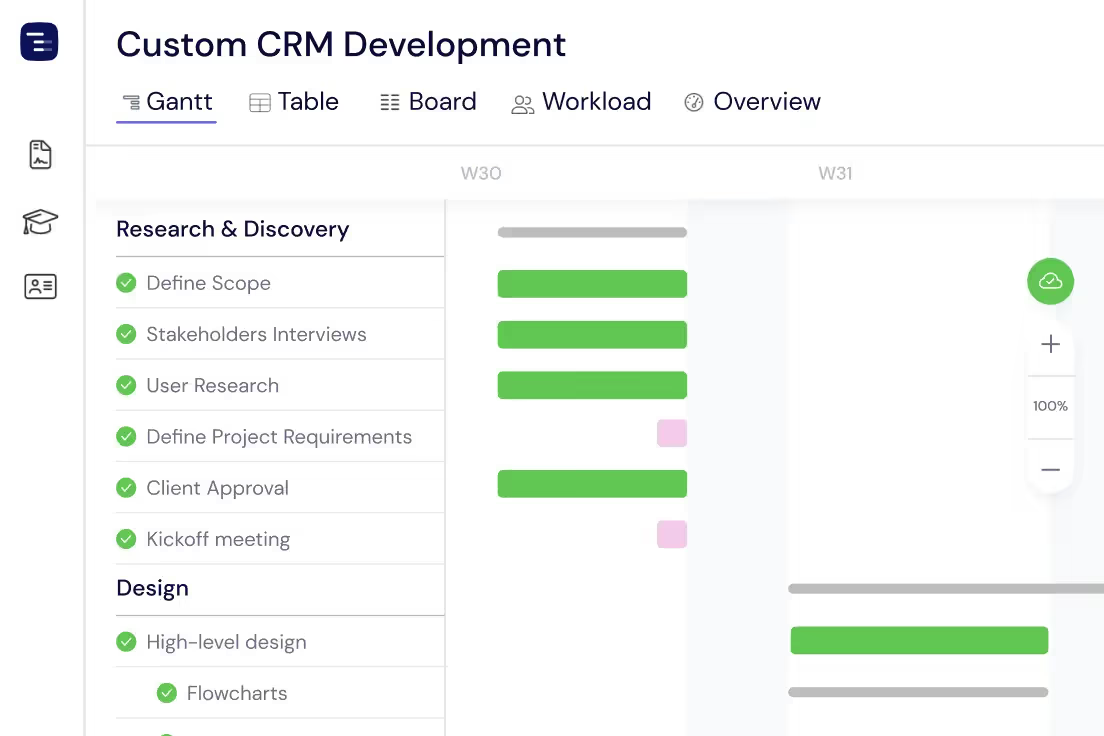
Add custom fields to capture engineering-specific data like story points, sprint velocity, code review status, deployment environment, feature flag state, and technical debt classification. Custom fields appear as sortable, filterable columns in the Table View, making it easy to analyze your engineering portfolio from multiple dimensions. Sort by story points to understand sprint capacity, filter by deployment status to track release readiness, or group by team to see workload distribution across engineering squads.