Diagramas de Gantt para Marketing
Coordina campañas de marketing, calendarios de contenido y lanzamientos de productos con una gestión visual de cronogramas creada para equipos de marketing.





Con la confianza de más de 25,000 equipos en todo el mundo
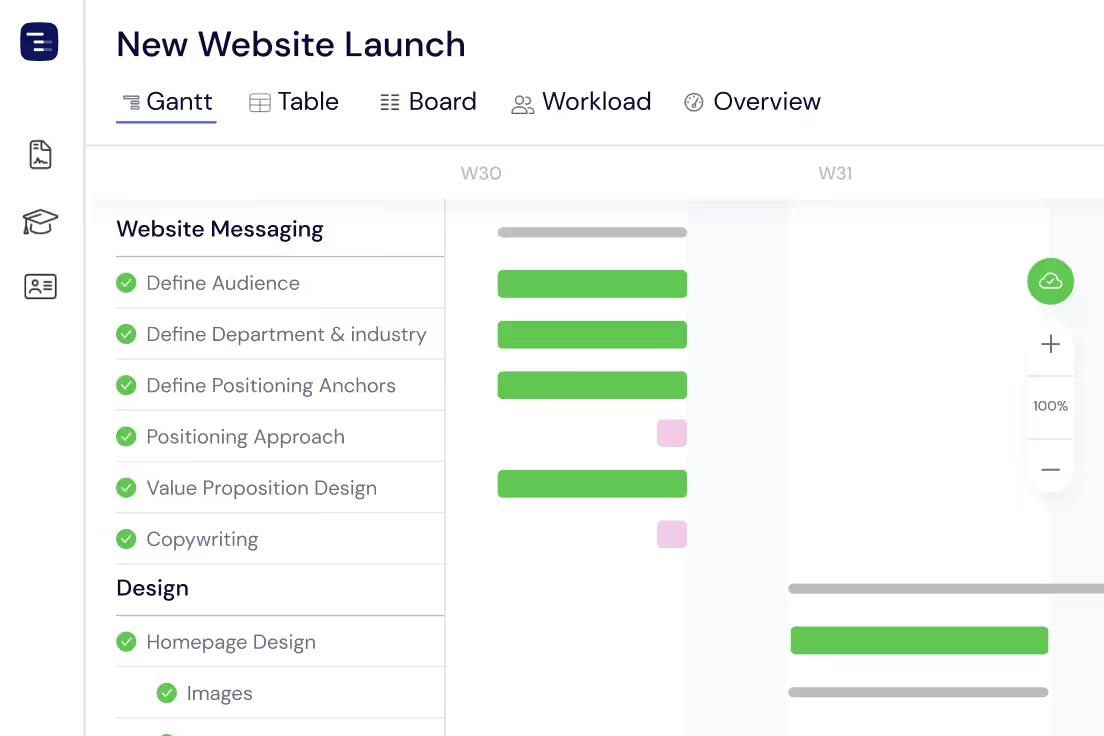
Planifica tus campañas
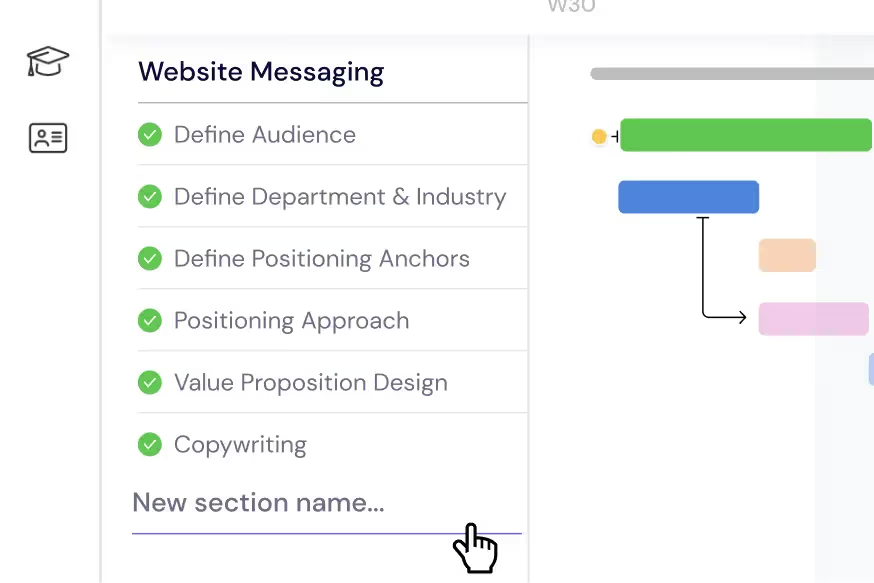
Desglosa campañas multicanal en tareas y subtareas manejables. Organiza cada fase—desde los resúmenes creativos y la producción de contenido hasta el día del lanzamiento—en secciones claras con fechas límite, dependencias e hitos en tu diagrama de Gantt.
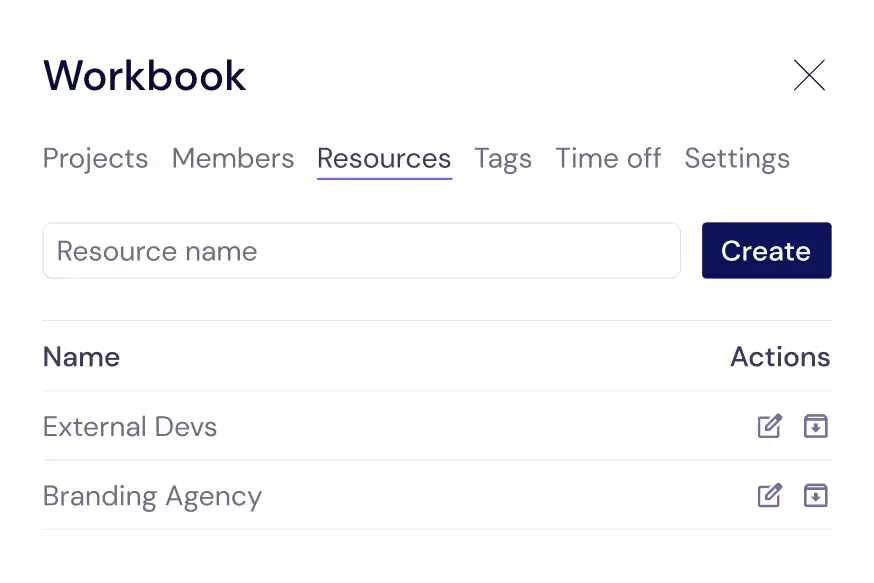
Gestiona tu equipo creativo
Realiza un seguimiento de cada colaborador que mantiene tus campañas en marcha: redactores, diseñadores, gestores de redes sociales y agencias externas. Asígnalos a tareas para saber siempre quién se encarga de qué y cuándo vencen los entregables.
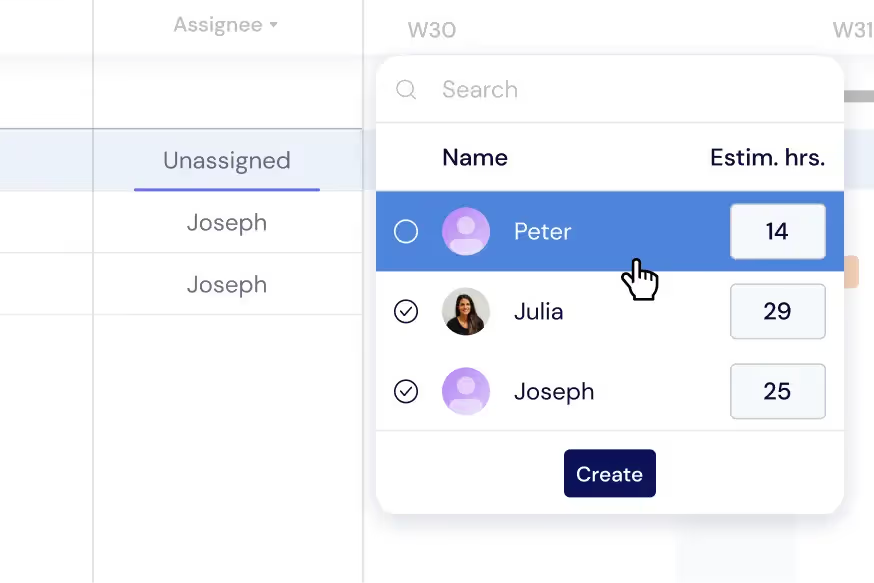
Equilibra la carga de trabajo de tu equipo
Distribuye las tareas entre tu equipo de marketing para cumplir con todos los plazos sin agotamiento. Supervisa las cargas de trabajo individuales directamente en tu diagrama de Gantt o cambia a la Vista de Carga de Trabajo para reequilibrar las asignaciones entre campañas en tiempo real.
Obtén una visión general de las campañas
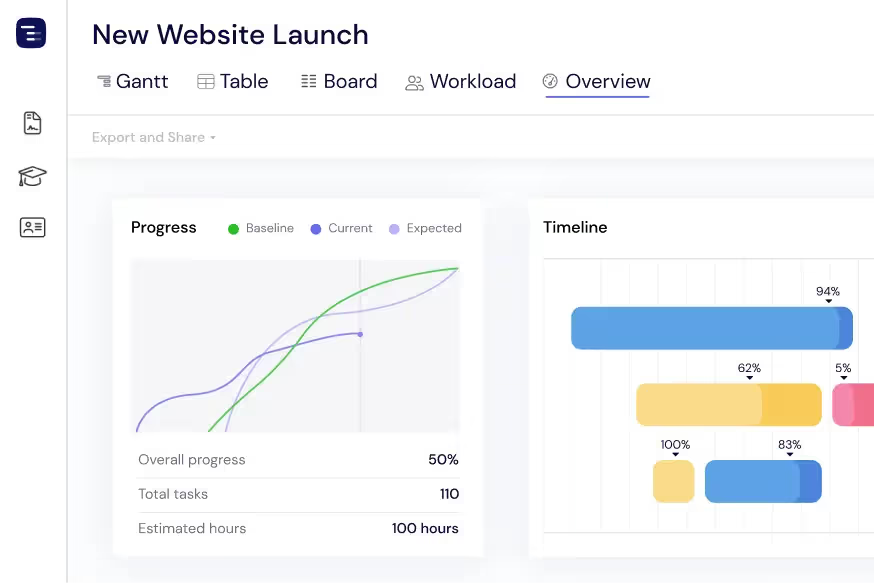
Visualiza cada campaña e iniciativa activa de un vistazo con la Vista General. Supervisa las fechas de lanzamiento, los calendarios de contenido y la capacidad del equipo sin perderte en los detalles. Cambia entre las vistas de Gantt, Tabla o Tablero según sea necesario.
Comparte resultados con las partes interesadas
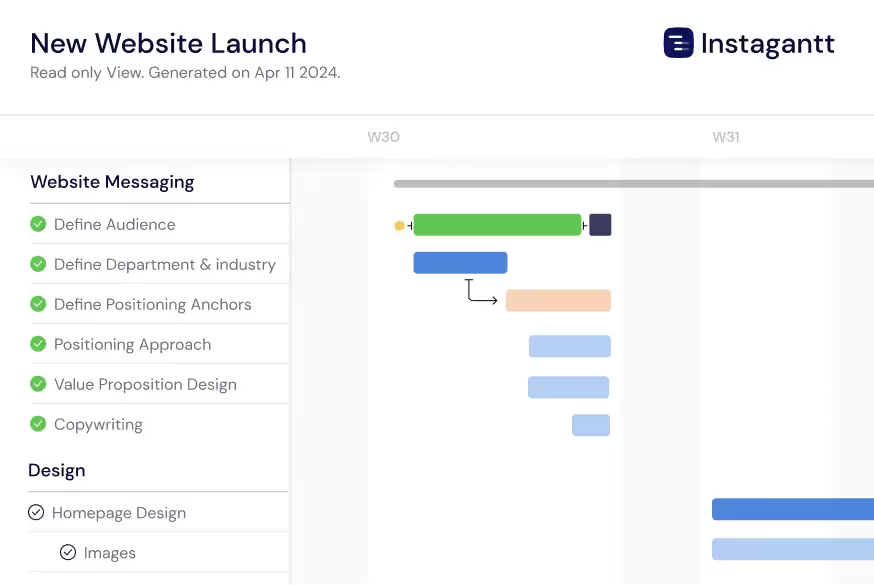
Exporta los cronogramas de las campañas como PDF, PNG o hojas de cálculo para compartirlos con clientes, ejecutivos y socios. Utiliza las Instantáneas Públicas para ofrecer a las partes interesadas una vista en vivo y de solo lectura de tu calendario de marketing en Instagantt.
Coordinate Multi-Channel Launches
Plan product launches, seasonal campaigns, and major promotions across every marketing channel on a single Gantt chart. Map dependencies between email sequences, social media posts, blog content, paid advertising activations, PR outreach, influencer partnerships, and landing page deployments. When any creative asset is delayed, immediately see the ripple effect across all channels and adjust launch timing proactively. This cross-channel coordination prevents the common marketing problem of launching ads before landing pages are ready or sending emails before supporting content is published.
Track Creative Asset Production
Manage creative asset production from initial brief through design concepts, stakeholder review rounds, revisions, and final approval. Link asset delivery milestones to campaign launch dates with dependencies so creative delays automatically push dependent campaign activities. Track approval bottlenecks in real time — if a stakeholder has not reviewed a design after three days, the Gantt chart shows the growing risk to the launch timeline. This production tracking helps marketing managers escalate approval delays and ensures creative work is completed in time for campaign deadlines.
AI-Powered Campaign Planning
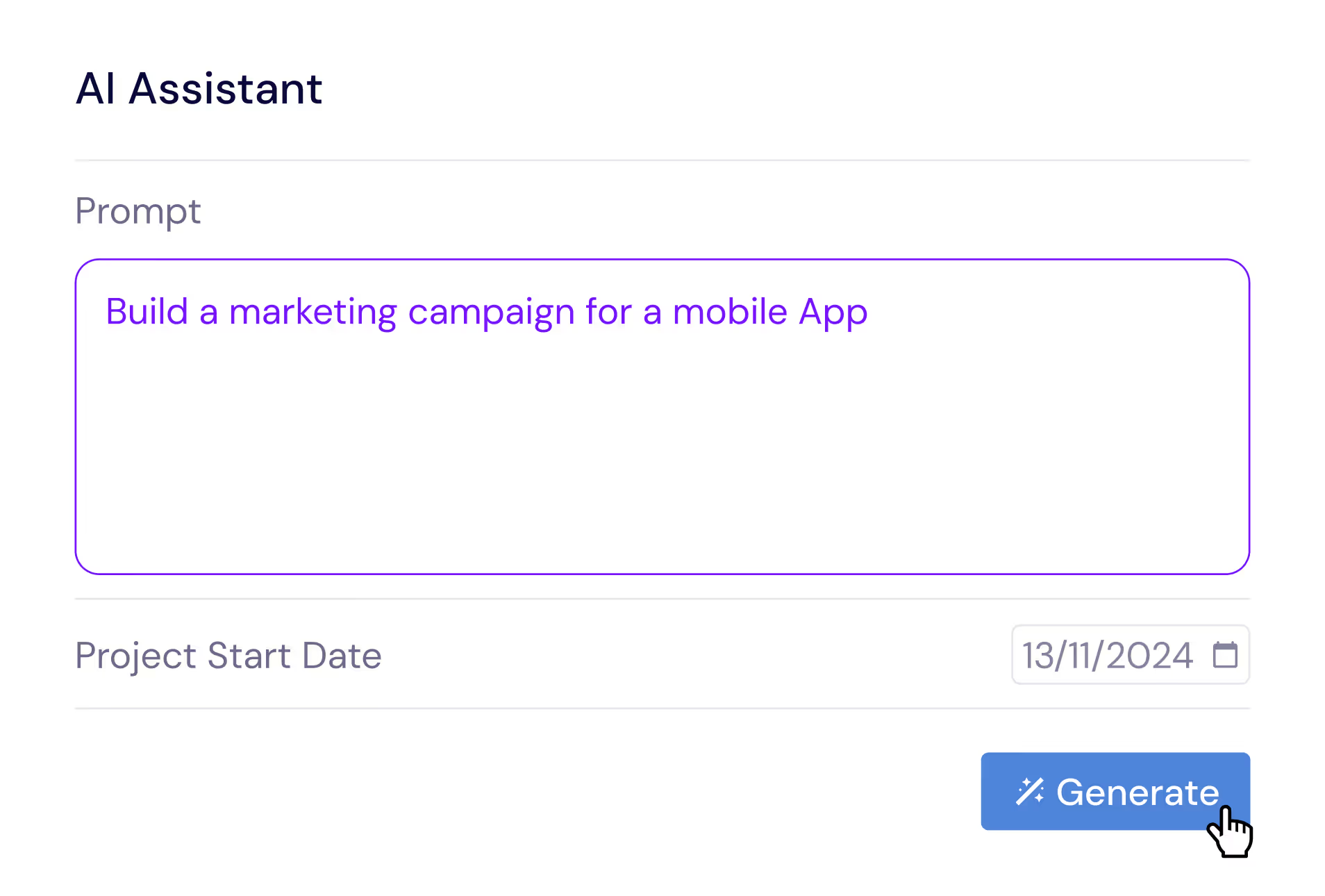
Describe your marketing campaign in plain English and let the AI Assistant generate a complete campaign plan with tasks, subtasks, estimated durations, and dependencies. Say something like 'Plan a product launch campaign with email sequences, social media content, blog posts, paid ads, and PR outreach across a 6-week timeline' and receive a professional campaign structure in seconds. Refine the generated plan with follow-up prompts, then save it as a template for future campaigns. The AI understands marketing concepts like content calendars, approval workflows, and multi-channel coordination.
Manage Campaign Budgets Visually
Assign budget allocations to individual campaign tasks and track actual spending against planned budgets throughout the campaign lifecycle. Visualize budget consumption alongside your timeline to understand how spending progresses relative to campaign milestones. Identify cost overruns early — if paid ad spend is tracking above budget at the halfway point, adjust targeting or redistribute budget to other channels before the campaign exceeds its total allocation. Budget tracking integrated with timeline planning helps marketing leaders make informed investment decisions and maximize return on marketing spend.
Event Planning and Coordination
Plan webinars, conferences, trade shows, and product launch events with detailed task breakdowns that cover every aspect from venue booking and speaker coordination through promotion, registration management, day-of logistics, and post-event follow-up. Dependencies ensure that promotion only begins after event details are confirmed and that post-event nurture campaigns are ready before the event takes place. The event planning view helps marketing teams manage the complexity of large-scale events while keeping creative production, logistics, and promotion coordinated on a single timeline.
Content Calendar Visualization
Visualize your content publishing schedule on a timeline that shows every blog post, social media update, email newsletter, video release, and podcast episode. Color-code content by channel, campaign, or content theme to create visual patterns that make your publishing calendar instantly scannable. See content density across your calendar to identify gaps where your audience might disengage and weeks where too many pieces are competing for attention. The content calendar integrates with your campaign timelines so you can see how individual content pieces support broader marketing initiatives.
Multiple Views for Marketing Teams
Switch between Gantt chart, Table View, Board View, and Overview depending on your marketing workflow needs. Use the Gantt chart for campaign timeline planning with cross-channel dependencies, the Table View for content calendar management and metadata tracking, the Kanban Board for creative production workflow tracking, and the Overview for marketing leadership reporting. Each view presents the same campaign data from a different angle, allowing marketing managers to communicate effectively with creative teams, clients, and executive stakeholders using the view format that resonates best with each audience.