10 Best Free Schedule Makers You Must Try
The number of daily tasks can increase as we grow, which makes life a little complex. The 10 Best Free Schedule Makers are designed to help you manage your tasks by dedicating time to each.
Not having a proper schedule of your day-to-day activities can make you lose track of your progress, and this happening, in the long run, can cause productivity problems. Everyone has some work-related tasks and personal activities, whether a client meeting or visiting your kid's game at school. The most effective way to get everything done on time is by using the 10 best free schedule makers.
Schedule makers keep you alert of all the tasks that you have committed so you always know what's coming next and how much time you would require to complete it.
What is a schedule maker used for, and why is it important?
Have you ever used a daily planner diary in which we used to note down your tasks for the day? A schedule maker is the same tool but is more efficient with many features and an easy user interface. A schedule maker lets you plan every tiny activity you must do in a day, week, or month. So, you can always tell when something is coming up, and you will be ready.
Everyone from students to employees, housewives, and businessmen has many tedious tasks they must go through daily. So, using a schedule maker becomes important since it:
· Keeps you organized, and you respect your time and others' time.
· Allows to enhance productivity by task prioritization
· Brings peace of mind since you know everything is planned, and you only need to act accordingly
· Let's you share your plan with others making everyone aware
· Allows you to keep track of the achievements and progress
10 Best Free Schedule Makers
Here are the top 10 best free schedule makers that anyone can use for their personal scheduling or enterprise requirements.
1. Google Sheets
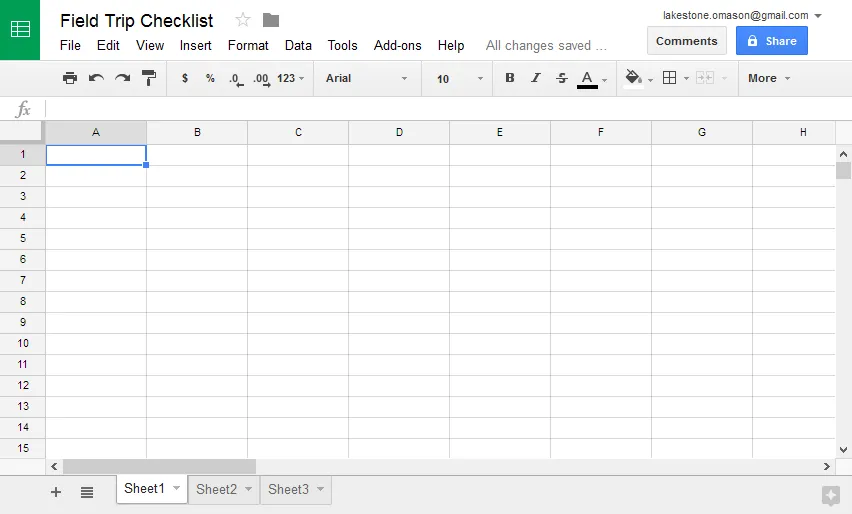
Google Sheets is a spreadsheet tool that you can use for your scheduling needs. Sometimes you need to keep things simple, which is what this platform is for since it provides a minimalist interface. The good part is that the already available templates simplify planning, and you can personalize them per your requirements. Since it is an online tool offering real-time access, sharing is very effective.
Pros
· Easy customization
· Lots of templates
· Collaboration and reliability
Cons
· Restricted spreadsheet features
Starting Price
Free for every Google account holder
2. ClickUp
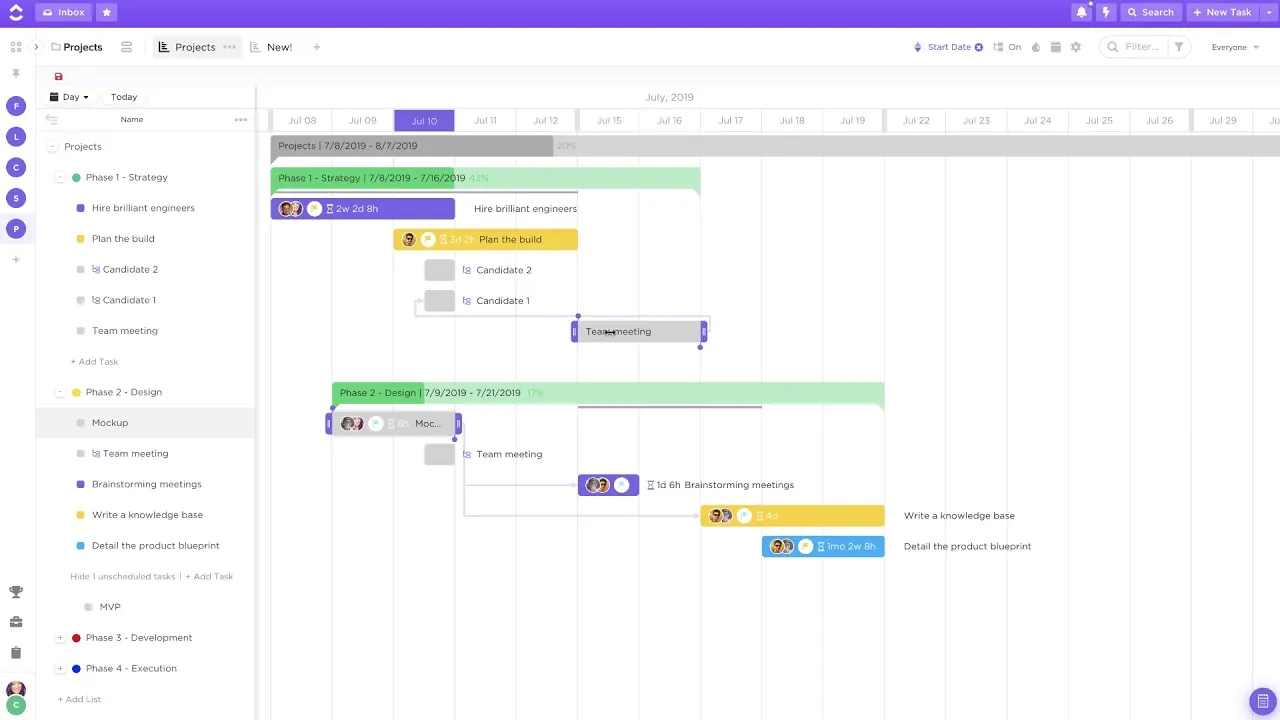
ClickUp is a schedule planner cum productivity application that fits everyone’s needs. From individuals to enterprises, everyone can use it due to its high-performing capabilities. With ClickUp, you can create your schedule in 15 different ways and view it in the required way. It not only allows you to create schedules, but you also get to add tasks, communicate, and manage deadlines.
It can be a project scheduler with tracking options for every task and milestone.
Pros
· Drag-and-drop scheduling
· Tons of integrations
· Both offline and online modes
Cons
· A little complex at the beginning
Starting Price
There is a free plan, and the paid services start at $5 monthly.
3. HubSpot
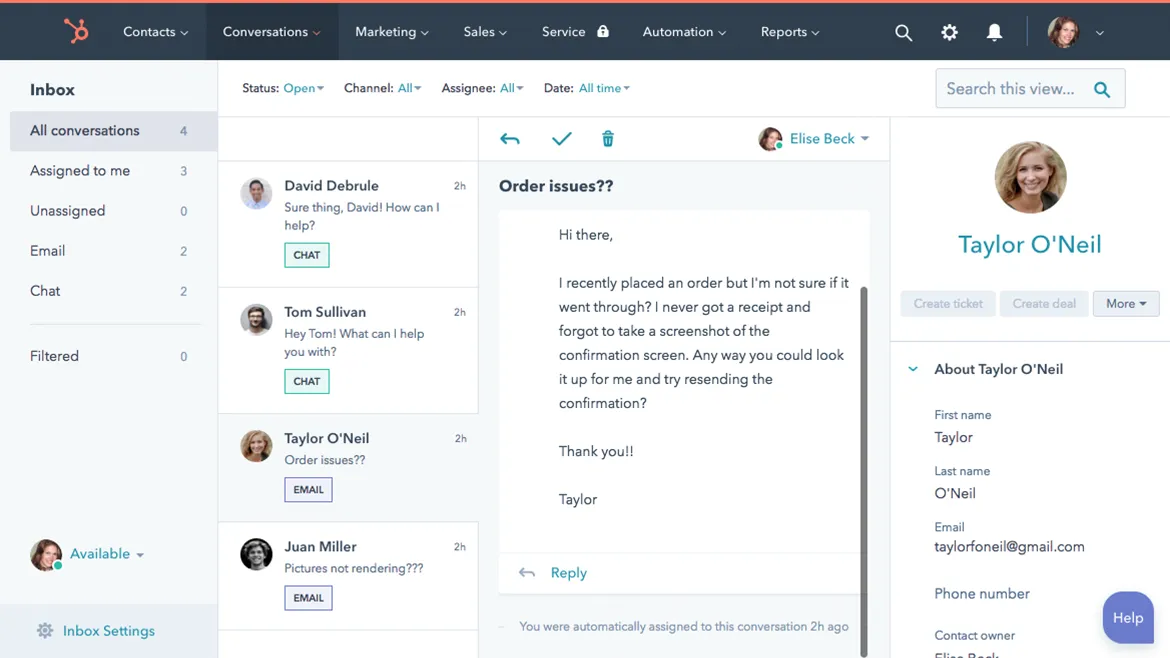
HubSpot is for those individuals who receive a lot of meetings and don’t want to miss any. It gives you a calendar-like interface and time stamps to plan all your meetings, tasks, bookings, etc. With its sharing options, you can show your availability to others so the bookings can be made correctly.
HubSpot also allows you to use this scheduler with the CRM database as an add-on which can help keep track of tasks, get notifications, etc.
Pros
· Personalization options
· Up to 1 million contacts can be added
· Scheduling across multiple time zones
Cons
· Lack of templates
Starting Price
The meeting scheduler is free, while the paid plans for other tools start at $50.
4. Airtable
Airtable is a schedule maker designed to focus on teams since it brings features like equipment or room reservations. That’s why over 200,000 businesses across the world use it. Its application provides real-time table syncing so everything is saved on the cloud, and all stakeholders know about the schedule.
It brings a custom view feature allowing any stakeholder to see only the details they want. Apart from scheduling, you can save project files on Airtable, and team members can collaborate.
Pros
· Amazing customer service
· Huge template library
· Powerful spreadsheet features
Cons
· The spreadsheet interface is not great
Starting Price
It offers a free plan; paid services start at $10 monthly.
5. MS Excel
It is a tool almost everyone is familiar with. Excel is known for its spreadsheet capabilities, but you can create a schedule for your daily routine with the schedule templates. The good thing here is that you can create conditional formatting by using the formulas, making this simple spreadsheet schedule interactive. With both online and offline versions available, you can use it on any computer or smartphone.
Pros
· Huge template library
· Online and offline modes
· Familiar interface
Cons
· Changes can be inconvenient
Starting Price
The online browser version is free, while the offline version requires MS Office 365 membership at $99 per year.
6. Canva
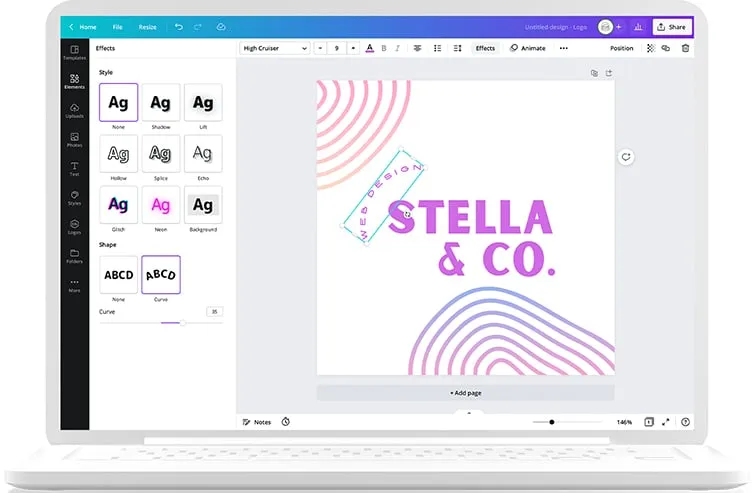
Canva is an online graphic designing tool, but you can use it as your schedule maker since it holds multiple templates and design options. It is better for those who want a minimalist experience with the least details. Canva offers more design features than schedule-making. So, you can create your design template and print it out to get a hard copy for your daily planner.
Pros
· Simple GUI designer
· Limitless customization
· Best for digital and hard-copy users
Cons
· Lacks on-the-go functionality
Starting Price
It is available for free without premium features. The paid plan costs $54 annually.
7. Asana
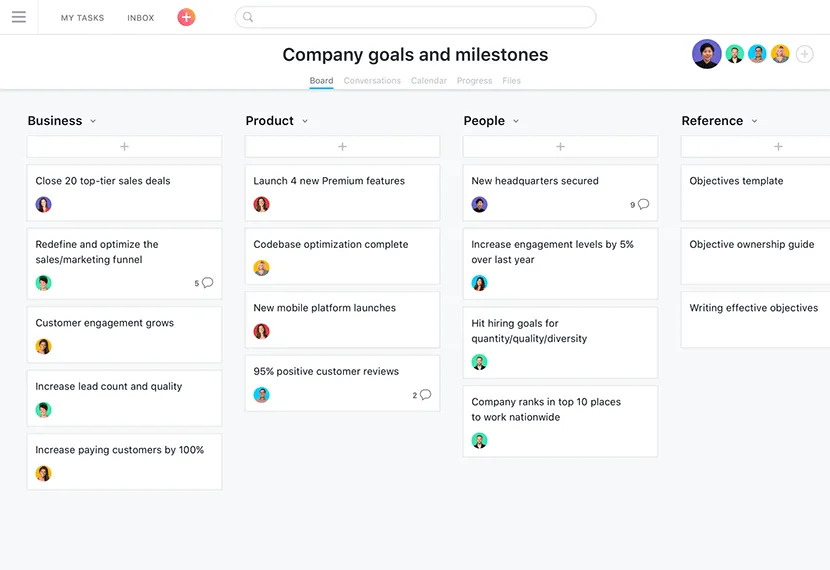
Asana project management tool brings scheduling features for teams and individuals with a calendar format. So, anyone can mark any of their activities for any coming day. It is best for teams since they can plan milestones, deadlines, assignees, and task status while scheduling projects.
One thing to remember is that Asana is a read-only schedule maker within a project manager. It means you cannot create tasks inside the calendar.
Pros
· Good user interface experience
· Calendar creation and management are simple
· Allows collaboration
Cons
· Drag-and-drop functionality is unavailable
Starting Price
The timeline feature here is free, while the premium plan costs $10.99 monthly.
8. Google Keep
Another tool from Google that allows you to manage your daily activities. If you only want to have a list of activities you will be doing throughout the day without having timeline restrictions, etc., then it is the right option. It is more of a note-taking app, so you can use this sticky note interface to create different activity groups with smaller tasks and details inside them.
Pros
· Great UI experience
· Works with voice commands
· You can pin schedules
Cons
· No templates
Starting Price
Free for every Google account holder
9. Appoint.ly
Appoint.ly focuses on users who want to integrate their scheduling with other users within a platform. For instance, you have a Facebook page where clients must contact you. Appoint.ly allows you to create a scheduling tab on Facebook for visitors to schedule their events/meetings with you.
Pros
· Initialization is simple
· Automatic time-zone management
· Easy collaboration
Cons
· No link customization
Starting Price
Starts for free, while the pro plan is $8 monthly.
10. Doodle
Doodle targets both teams and individuals for their schedule-making requirements. Whether they need to schedule a meeting or track some task or event, Doodle provides the right interface with a calendar-like view. One of the best things is that everyone on your team can know about your availability, so they never schedule something at a time when you are not available.
Pros
· Scheduling with time-zone management
· Collaboration with multiple cloud services
· View the information you need
Cons
· Loading the previous calendar into Doodle can be tricky
Starting Price
Starts for free, while paid plans are available at $6 monthly.
What to look for when choosing a free schedule maker?
Since each tool offers a different experience and feature set, you must know what to look for when choosing a schedule maker for yourself. You must find the following standard qualities in any of these tools.
· Easy user interface
· Collaboration options
· Customization
· Progress tracking
Picking a tool that offers all these means your user experience will be good. That can become even better depending on the feature set you get.
Final Verdict
When making a schedule of your activities, you can use the old-school methods, but using one of the 10 best free schedule makers gives you many advantages. Choosing the right tool offers you an all-in-one experience that includes scheduling, alerts, collaboration, etc. That way, scheduling your daily routine will become effortless, and you will be very organized with your daily tasks.