Kanban Board View
Show Your Tasks on a Visual Board
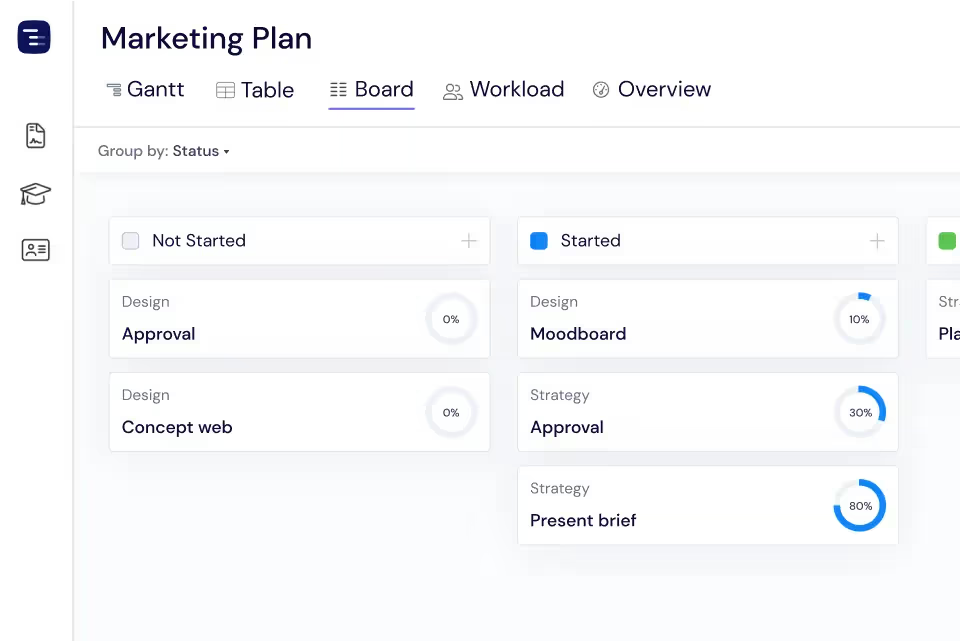
Instagantt's Kanban Board transforms your project tasks into visual cards arranged by workflow stage. Drag cards between customizable columns to update status, and every change syncs instantly with your Gantt chart and Table View. Perfect for agile teams that want both board and timeline perspectives.





Trusted by 25,000+ Teams across the Globe
Spot Bottlenecks
Instantly see where work is piling up and which workflow stages need attention. The Kanban board gives you a visual map of your team's workflow, making it obvious when tasks accumulate in a particular stage. If your Review column has twice as many cards as In Progress, you know your review process is becoming a bottleneck. This visual insight helps managers redistribute work, add reviewers, or adjust processes before delays cascade through the project schedule.
Two Ways to Display Your Information
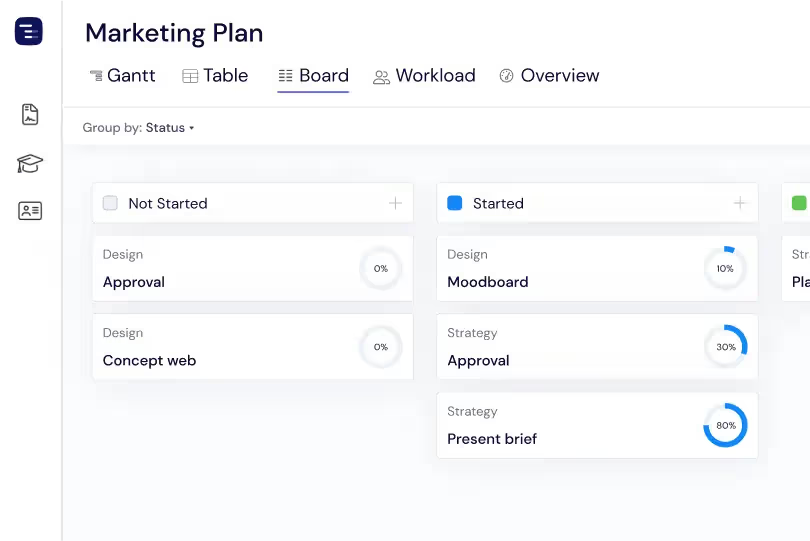
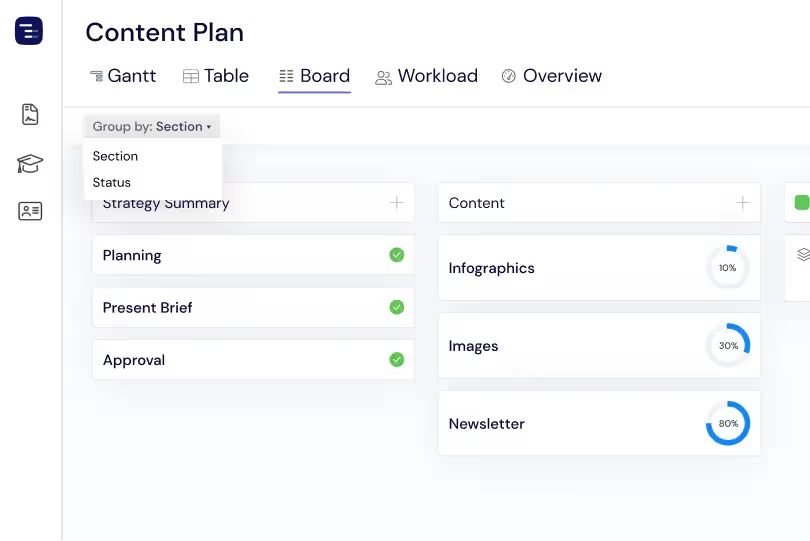
Group your board by section or by status to see your tasks from different angles. Section grouping shows tasks organized by project phase or feature area, while status grouping shows the workflow progression across all sections. Switch between views in a click to find the perspective that works best for your current question — whether you need to see progress by feature or overall workflow health across the entire project.
Subtasks Done Better
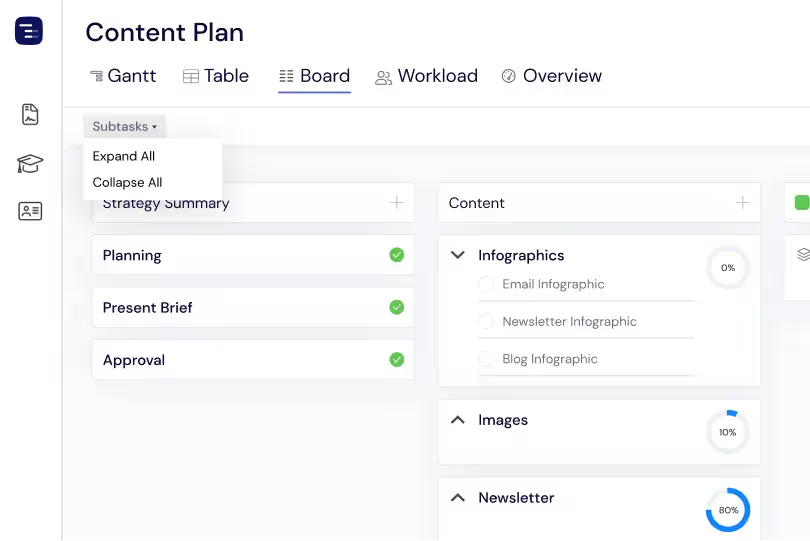
Expand any card to see its subtasks right on the board, giving you granular visibility into task completion without leaving the Kanban view. Each parent card shows a progress indicator based on its subtasks, and you can expand the card to see individual subtask status, assignees, and due dates. This hierarchical view keeps every detail organized under its parent task while maintaining the clean, scannable layout of your Kanban board.
Sync with Your Gantt Chart
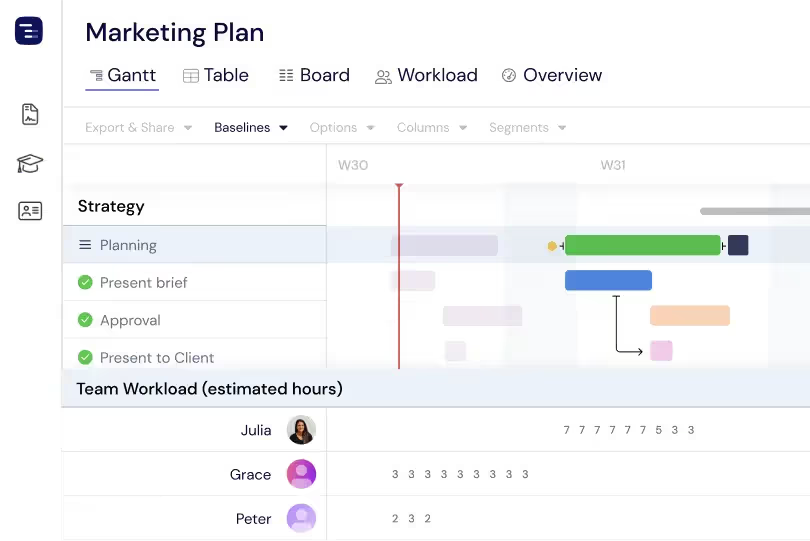
The Kanban board is not a separate tool — it is another view of the same project data that powers your Gantt chart. When you move a card to the Done column, the progress updates on the Gantt chart. When you drag a task to a new date on the Gantt chart, the card's due date updates on the board. This seamless sync between views means your team can use whichever interface suits their workflow without creating data silos or version conflicts.
Card Customization and Detail
Customize your Kanban cards to highlight what matters most at a glance. Use the Card fields control to show task status and attached images directly on each card, giving your team instant visual context and progress cues. With a more informative Kanban board, you can scan work faster, catch updates sooner, and keep everyone aligned without opening individual tasks.
Quick Filters and Search
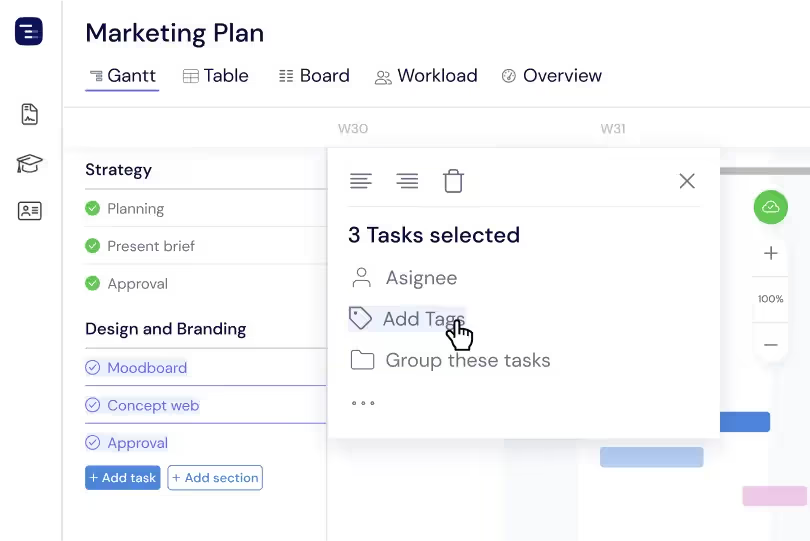
Apply instant filters to your Kanban board to focus on specific assignees, priorities, due date ranges, or custom field values. Combine multiple filters to create precise views — show only high-priority tasks assigned to you that are due this week, or filter by project section to see a single feature's workflow. Save frequently used filter combinations as named views so you can switch between different perspectives on your board with a single click. The search function lets you find specific cards across all columns instantly.
Key Capabilities
Everything you need, nothing you don't.
Custom Columns
Create columns for any workflow stage that matches your team's process — To Do, In Progress, Review, Done, or any custom stage you define. Each column represents a step in your workflow, and you can add, remove, or rename columns at any time as your process evolves. This flexibility makes the Kanban board work for any team, from software development to marketing campaigns.
Drag & Drop
Move tasks between columns with smooth drag-and-drop interactions that feel natural and responsive. As your team completes work, they simply drag cards from one stage to the next. The drag-and-drop interface updates task status automatically, keeping your Gantt chart and other views in sync without any additional manual data entry.
Card Details
See assignees, status, and progress indicators directly on each Kanban card without opening task details. Every card surfaces the most important information at a glance, helping your team scan the board quickly and spot tasks that need attention, are overdue, or are approaching their deadline.
Subtask Organization
Adapt your Kanban board to the level of detail you need. Show subtasks inside each card for deeper visibility into the work, or hide them for a cleaner, high-level view of the flow. This flexibility lets you toggle between detailed tracking and fast scanning, so you always see exactly what matters in the moment.
Filtering
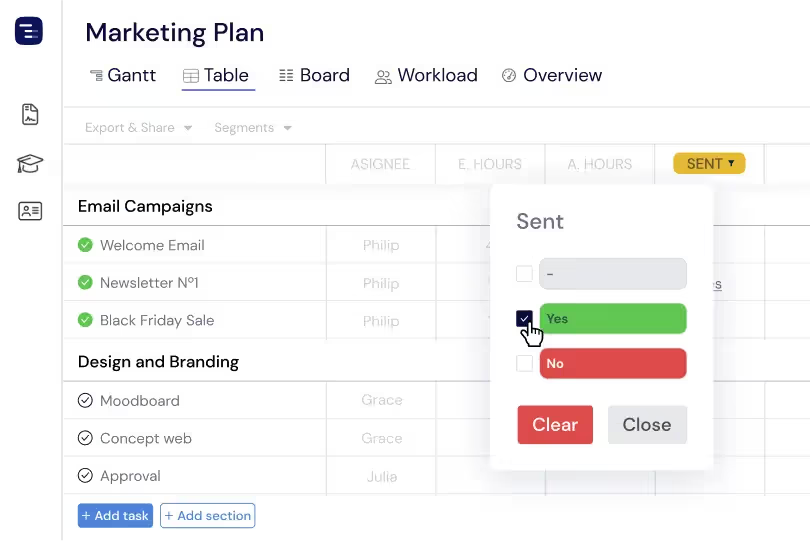
Focus on the tasks that matter most by filtering the Kanban board by column values. Narrow down work by status, assignee, priority, or any custom field, then save the result as a Segment to return to that filtered Kanban view in one click. Filtering reduces on-board noise, keeps everyone aligned on current priorities, and surfaces the work your team needs to move next.
Swimlanes
Group cards into horizontal swimlanes by assignee, priority, section, or any other attribute. Swimlanes create visual rows across your Kanban board, making it easy to see how work is distributed across team members or how different priority levels are progressing through your workflow stages over time.
Explore More Features
Discover everything Instagantt has to offer for your project management workflow.