Time Savers
Start & Work Faster
Instagantt's time-saving features eliminate repetitive project work. Use templates to start projects instantly, auto-scheduling to calculate dates from durations and dependencies, keyboard shortcuts for fast editing, and batch actions to update multiple tasks at once. Spend less time on administration and more on delivery.





Trusted by 25,000+ Teams across the Globe
Project Templates
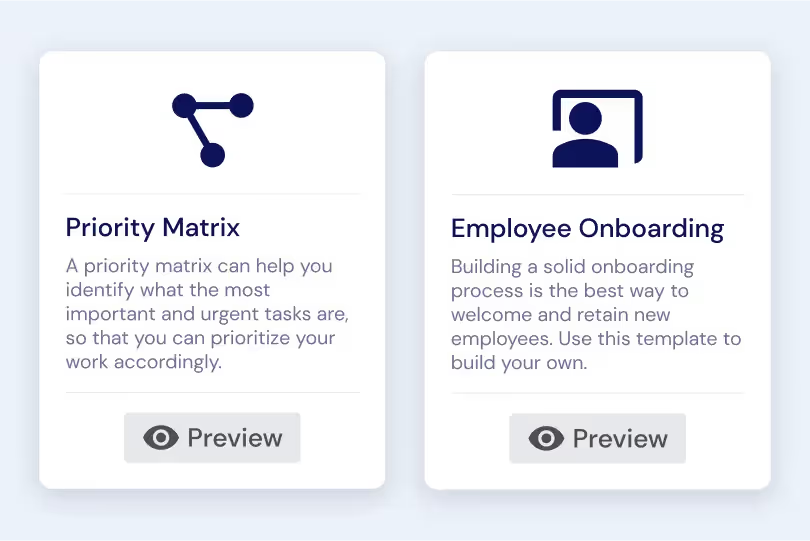
Save any project structure as a reusable template that captures your team's proven workflow. Start new projects in seconds with pre-configured tasks, dependencies, estimated hours, and settings — no more rebuilding from scratch every time you start a similar initiative. Templates are especially valuable for teams that run recurring project types like product launches, client onboardings, marketing campaigns, or quarterly planning cycles.
Auto Scheduling
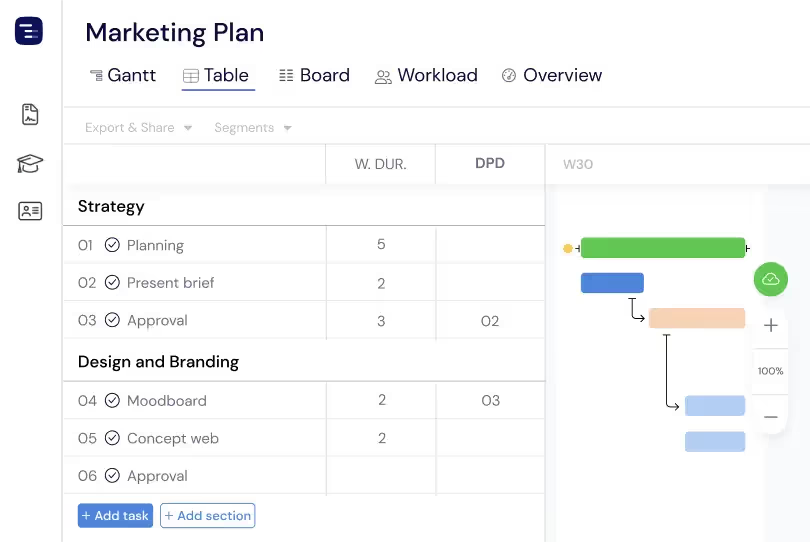
Build and adjust your project schedule in seconds with automatic task scheduling. Based on dependency logic and task durations, Instagantt instantly organizes the Gantt chart timeline to keep work flowing and eliminate gaps between dependent tasks. Whether you’re starting from scratch or reacting to scope changes mid-project, you can generate an optimized schedule with a single click — no manual planning required.
Project Duplication
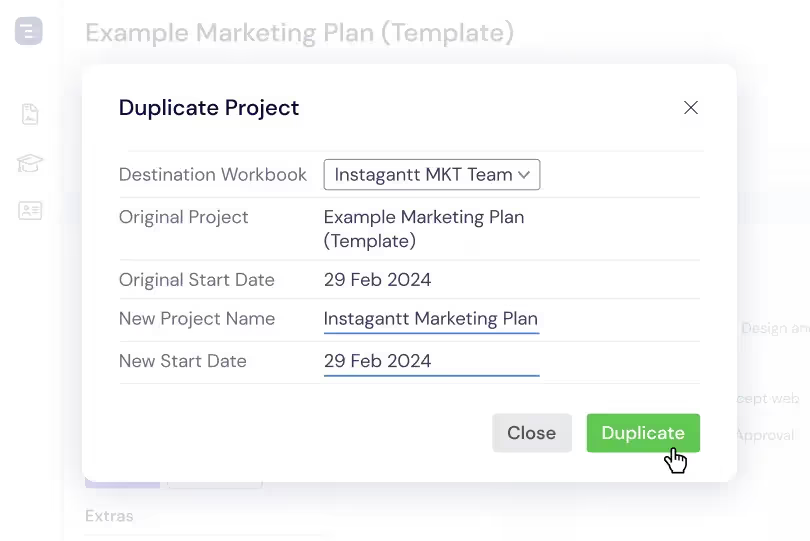
Duplicate entire projects with all their tasks, subtasks, dependencies, custom field values, and settings preserved. Project duplication is perfect for recurring projects that follow a similar structure — duplicate last quarter's project, adjust the dates, and you have a ready-to-execute plan. It is also useful for creating project variations or what-if scenarios without modifying the original project.
Keyboard-First Workflow
Speed up project management with the keyboard shortcuts you already use every day. Undo changes, copy and paste tasks, multi-select rows, and delete in seconds without breaking your flow. These familiar shortcuts work consistently across the Gantt chart and Table View, making it easier to manage updates at scale — especially when you're working through large plans or making many edits in a single focused session.
Smart Task Aggregation
Parent tasks automatically roll up key data from their subtasks — dates, durations, estimated hours, and costs. As you build out detailed work at the subtask level, higher-level tasks update to give you an accurate, aggregated view of progress and effort across the Gantt chart. Your project structure stays organized, and summaries always match the work happening underneath, with zero manual maintenance required from your team.
Key Capabilities
Everything you need, nothing you don't.
Keyboard Shortcuts
Work faster with keyboard shortcuts that keep you in the flow. Use familiar commands to undo, copy and paste, multi-select tasks, and delete instantly — no tool-switching and no menu digging. It’s the simplest way to handle bulk updates inside Instagantt and keep your projects moving without interruption.
Drag & Drop
Plan and adjust your projects visually with intuitive drag-and-drop controls on the Gantt chart. Move tasks along the timeline, update start and due dates, and reorganize your plan by dragging elements right into place. This hands-on approach makes it faster to adapt to scope changes, refine schedules, and keep your project aligned — no manual date edits or complex inputs required.
Templates
Save project structures as reusable templates that preserve tasks, subtasks, dependencies, estimated hours, assignees, and custom field values. When you start a new project of a similar type, create it from a template to skip the setup process entirely. Templates encode your team's best practices into repeatable project structures that any team member can use.
Batch Updates
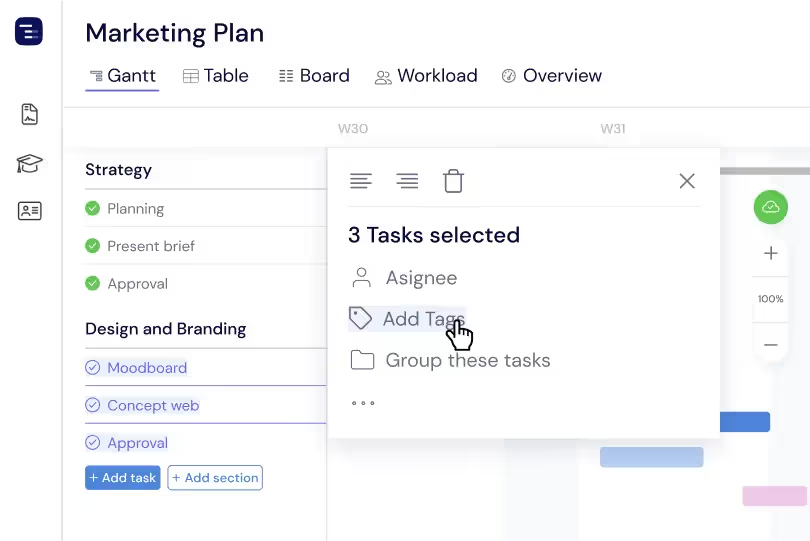
Select multiple tasks and update their dates, assignees, status, priority, or any custom field in a single operation. Batch updates are essential when you need to reassign an entire project phase to a different team member, shift a group of deadlines by two weeks, or mark a set of tasks as complete after a milestone review.
Automatic Task Roll-Ups
Keep your project overview accurate without extra effort. Parent tasks automatically roll up dates, durations, estimated hours, and costs from their subtasks, giving you an always-current summary of progress across the Gantt chart. As you build out detailed work, your higher-level plan stays aligned — with zero manual updates.
Auto-Save
Every change is saved automatically and instantly — no save button needed, no risk of losing work. Whether you drag a task bar to a new date, type a new task name, or update a custom field value, the change is persisted immediately. This continuous auto-save eliminates the anxiety of unsaved work and lets you focus entirely on planning and execution without interruption.
Explore More Features
Discover everything Instagantt has to offer for your project management workflow.