Diagrammi di Gantt per l'Edilizia
Pianifica progetti edilizi con suddivisioni dettagliate delle fasi, programmazione delle risorse e monitoraggio delle tappe fondamentali, tutto progettato per il settore delle costruzioni.





Scelto da oltre 25.000 team in tutto il mondo
Pianifica le Fasi di Costruzione
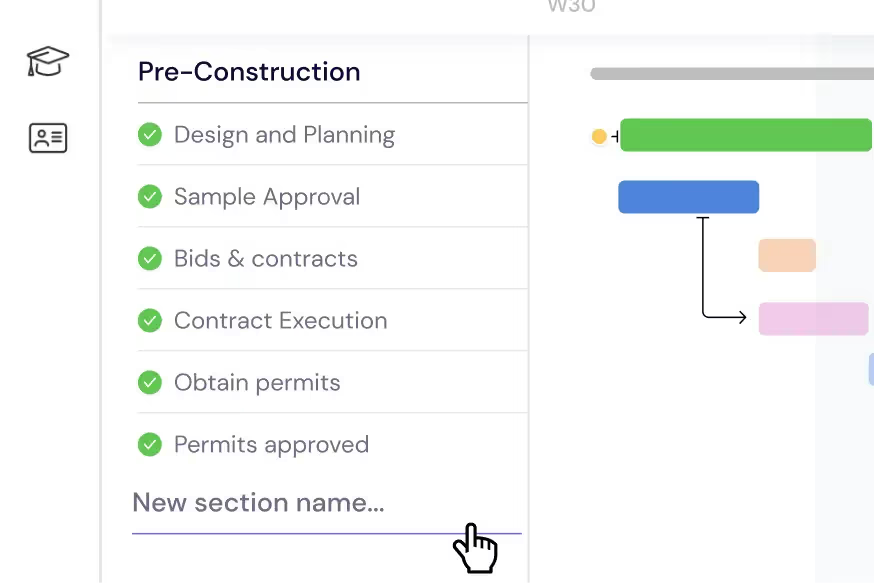
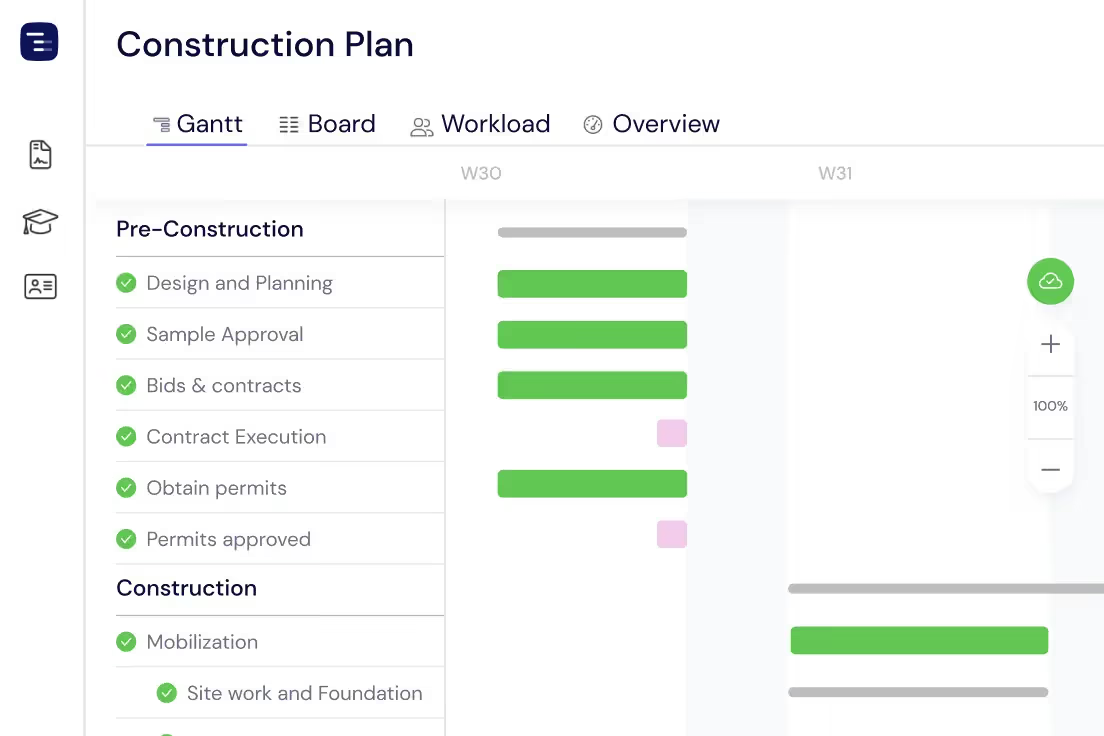
Suddividi il tuo progetto edilizio in attività e sotto-attività gestibili. Organizza ogni fase — dalla preparazione del sito e i lavori di fondazione fino all'intelaiatura, agli impianti e alla finitura — in sezioni chiare con scadenze, dipendenze e traguardi di ispezione sul tuo diagramma di Gantt.
Gestisci Squadre e Subappaltatori
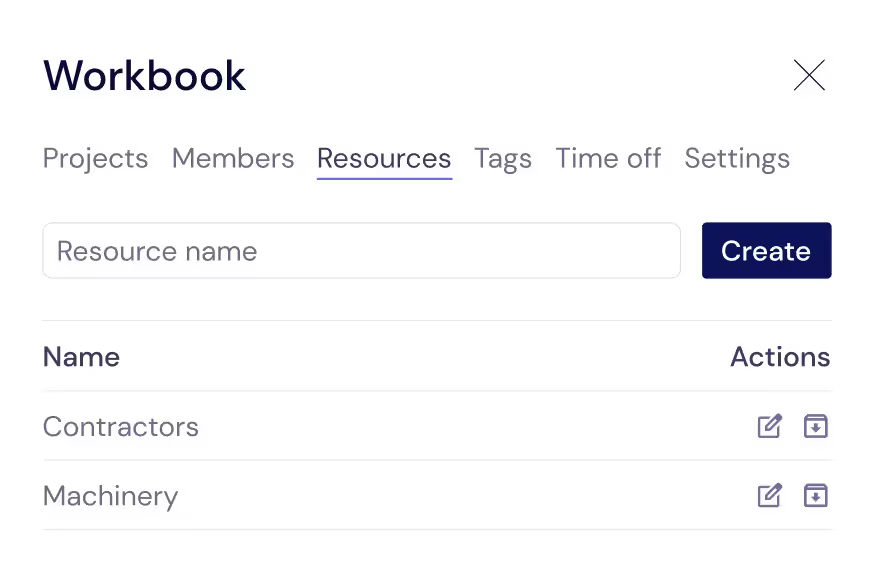
Monitora ogni risorsa necessaria al funzionamento del cantiere: operai generici, artigiani specializzati, subappaltatori e noleggio di attrezzature. Assegnali alle attività per sapere sempre chi è in cantiere e quando è previsto l'inizio di ogni mestiere.
Bilancia il Carico di Lavoro in Cantiere
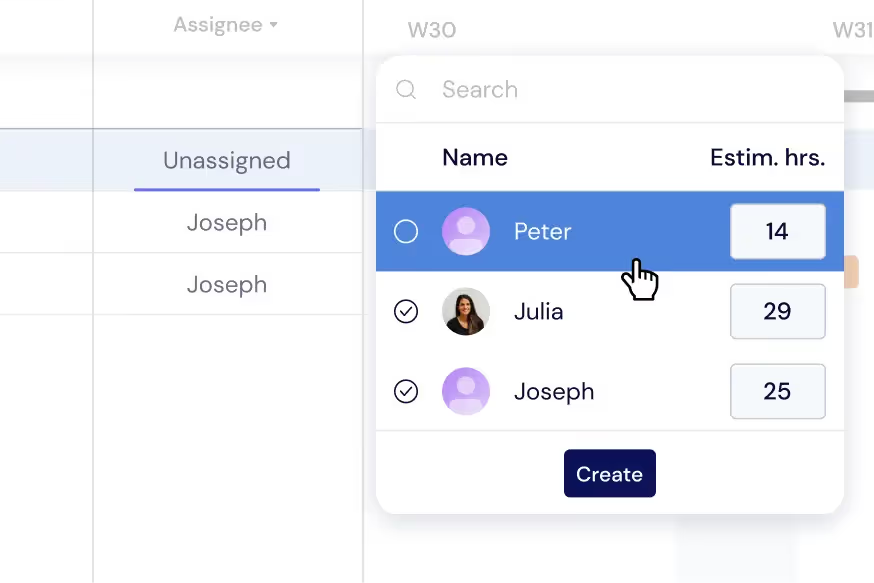
Distribuisci le attività tra squadre e mestieri per prevenire conflitti di programmazione e costosi tempi di inattività. Monitora i carichi di lavoro direttamente sul diagramma di Gantt o passa alla Vista Carico di Lavoro per ribilanciare le assegnazioni tra i cantieri attivi in tempo reale.
Ottieni una Visione d'Insieme del Cantiere
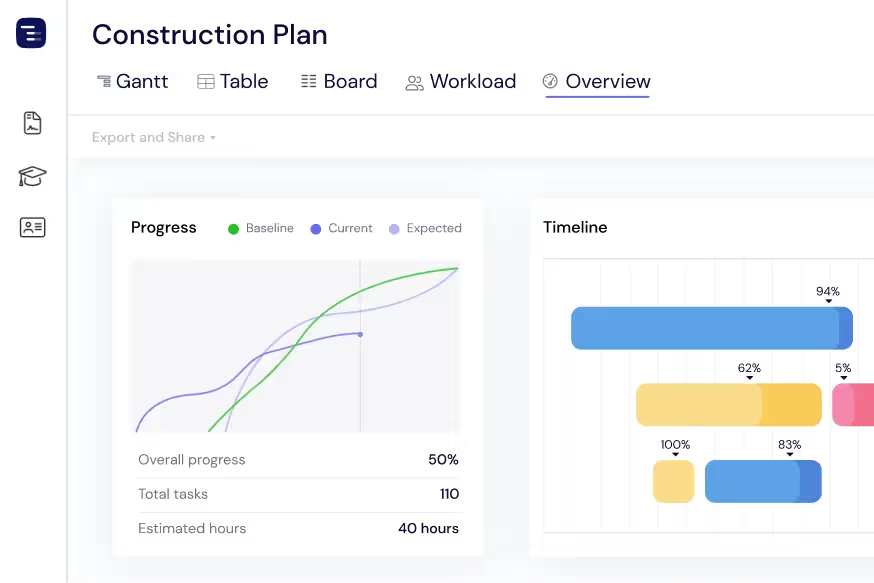
Visualizza ogni progetto attivo e ogni cantiere a colpo d'occhio con la Vista Panoramica. Monitora lo stato di avanzamento della costruzione, le scadenze dei permessi e la disponibilità delle squadre senza perderti nei dettagli. Passa tra le visualizzazioni Gantt, Tabella o Bacheca in base alle tue necessità.
Condividi i Progressi con Clienti e Proprietari
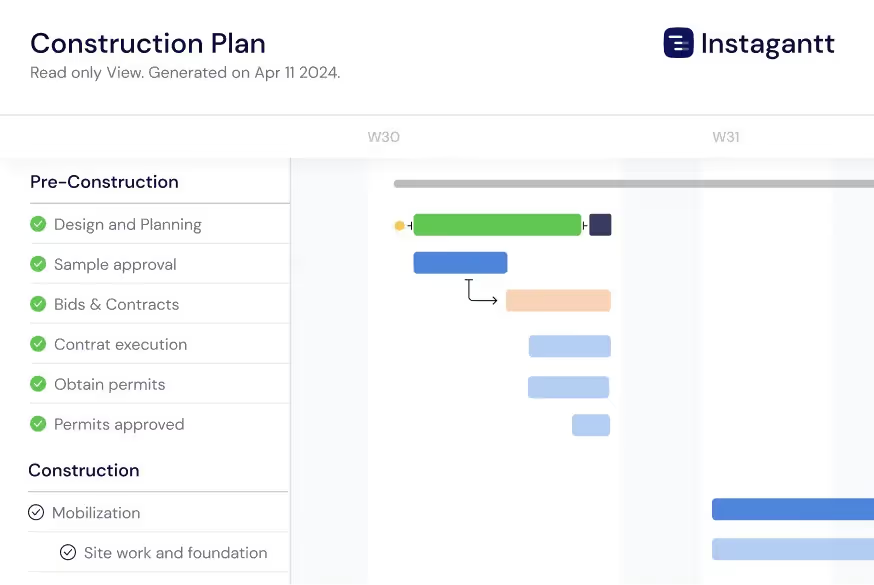
Esporta le cronologie di costruzione come PDF, PNG o fogli di calcolo da condividere con proprietari di immobili, general contractor e investitori. Utilizza gli Snapshot Pubblici per fornire agli stakeholder una visualizzazione live in sola lettura del tuo programma di costruzione su Instagantt.
Track Inspections and Permits
Schedule building inspections, permit applications, and regulatory checkpoints throughout your construction timeline with clear dependencies to prerequisite work. Connect inspection milestones to the construction tasks that must be completed before each inspection can pass — framing inspection requires framing completion, electrical rough-in inspection requires wiring installation. Track inspection request lead times and schedule them proactively so inspectors do not become a bottleneck in your build sequence. When an inspection fails, immediately see the impact on downstream phases and adjust your schedule accordingly.
Manage Material Deliveries
Track every material order from purchase requisition through supplier confirmation, shipping, and on-site delivery on your project timeline. Link material delivery dates to construction tasks with dependencies so you can see immediately when a late shipment will delay work. Long-lead items like structural steel, custom windows, specialty mechanical equipment, and imported fixtures can be tracked months in advance to ensure they arrive before the trade crew that needs them. When a supplier delays a shipment, the Gantt chart automatically shows the cascade effect on your construction schedule.
AI-Powered Build Planning
Describe your construction project in plain English and let the AI Assistant generate a complete build plan with phases, tasks, subtasks, estimated durations, and trade dependencies. Say something like 'Plan a 3-bedroom residential construction with site prep, foundation, framing, MEP, drywall, finishing, and landscaping phases' and receive a professional construction schedule in seconds. Refine the generated plan with follow-up prompts, then save it as a template for similar builds. The AI understands construction concepts like trade sequencing, inspection gates, and weather buffers.

Compare Schedules with Baselines
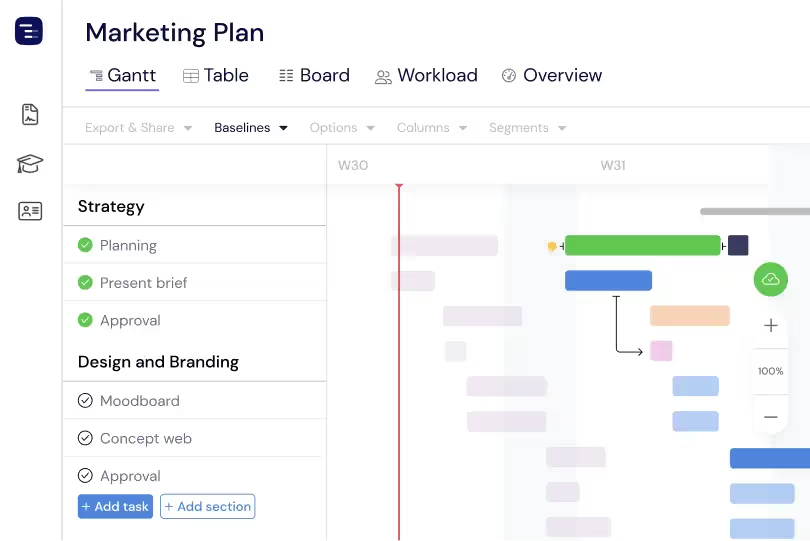
Create baseline snapshots of your construction schedule at contract signing, groundbreaking, or any major milestone and compare the original plan against actual progress throughout the build. Baselines make schedule drift visible and quantifiable — see which phases started late, which trades took longer than estimated, and how weather delays and change orders have shifted the overall timeline. This plan-versus-actual comparison is essential for construction managers who need to document schedule changes for contract compliance, justify timeline extensions, improve estimating accuracy for future projects, and maintain accurate project documentation. The visual baseline overlay makes schedule changes immediately apparent to all stakeholders.
Multiple Views for Construction Teams
Switch between Gantt chart, Table View, Board View, and Overview depending on the information your construction team needs. Use the Gantt chart for detailed phase planning with trade dependencies, the Table View for material tracking and cost analysis, the Board View for punch list and inspection management, and the Overview for site-wide progress reporting. Each view shows the same project data from a different perspective. Site managers can run daily coordination meetings using the Gantt chart and generate owner reports from the Overview without maintaining separate documents or spreadsheets.
Custom Fields for Construction Data
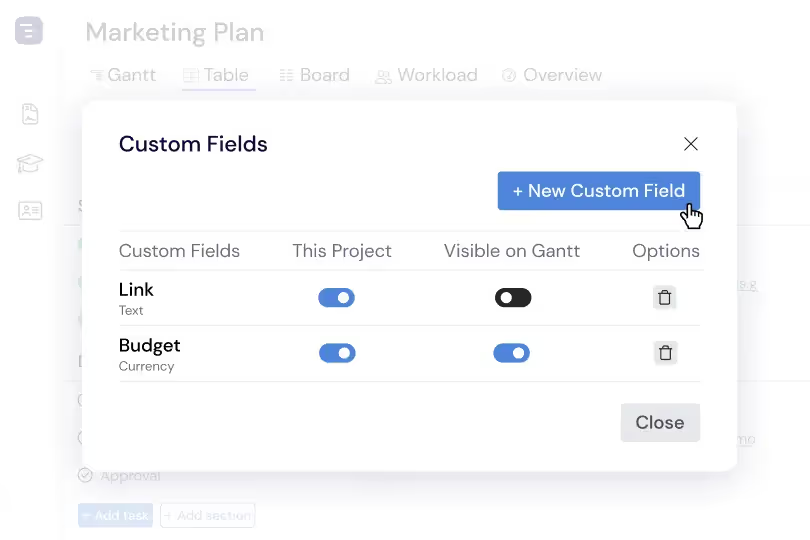
Add custom fields to capture construction-specific data like cost per task, trade classification, permit status, inspection result, change order number, and contract reference. Custom fields appear in the Table View as sortable, filterable columns, making it easy to generate reports by trade, analyze cost distribution by phase, or track permit approval status across all construction activities. This construction-specific data layer transforms your Gantt chart from a simple timeline into a comprehensive project management system tailored to how construction projects are actually managed and reported.