世界中の25,000以上のチームに信頼されています
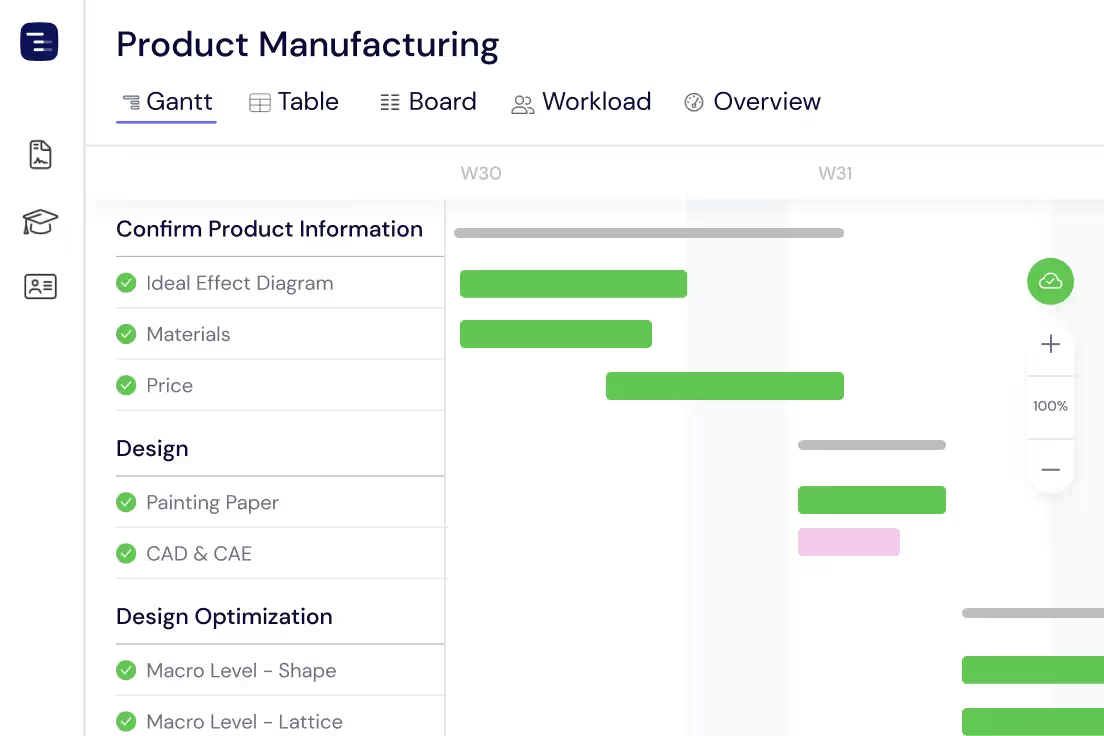
生産タスクを計画する
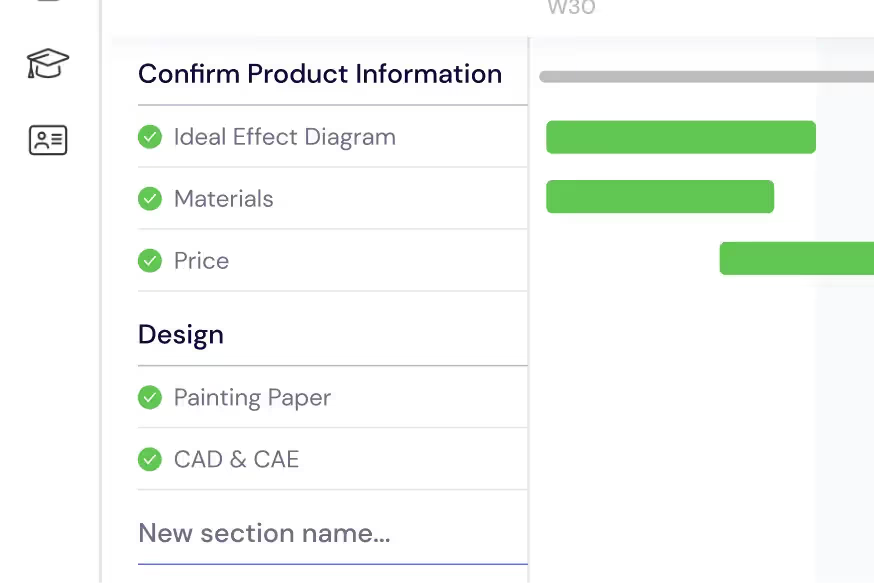
生産実行を管理可能なタスクとサブタスクに分解します。原材料の調達から最終組み立てまでの各フェーズを、ガントチャート上で期限、期間、依存関係を含む明確なセクションに整理します。
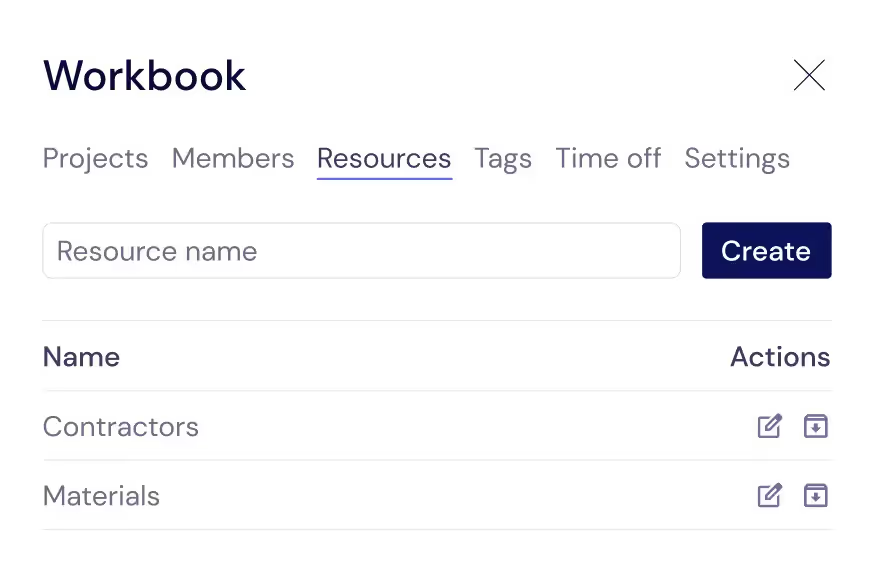
チームと設備の管理
チームメンバーだけでなく、オペレーター、機械、請負業者、外部サプライヤーなど、ラインの稼働を維持するあらゆるリソースを追跡します。これらをタスクに割り当てることで、誰が、何が利用可能かを常に把握できます。
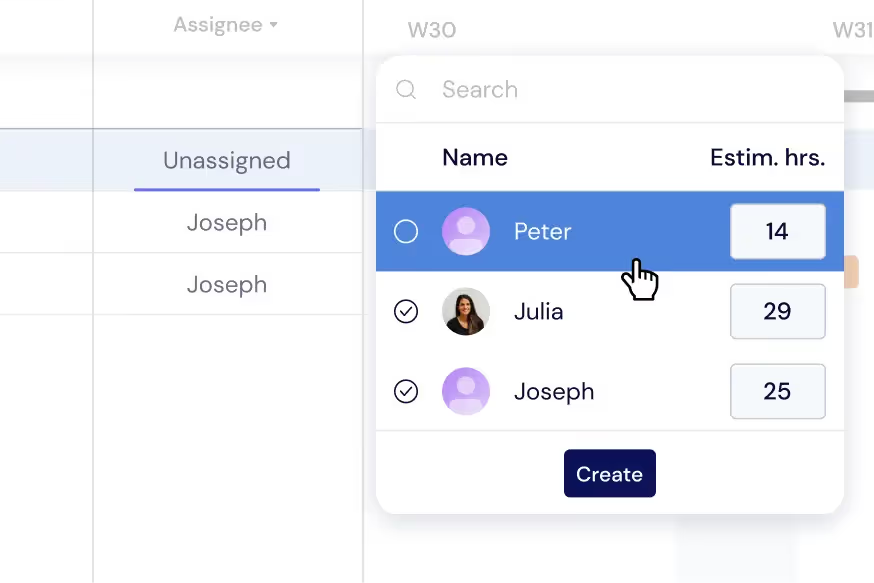
生産負荷のバランス調整
ボトルネックを防ぐために、シフトやチーム間でタスクを分散させます。ガントチャート上でオペレーターや機械の負荷を直接監視するか、ワークロードビューに切り替えてリアルタイムで割り当てを再調整します。
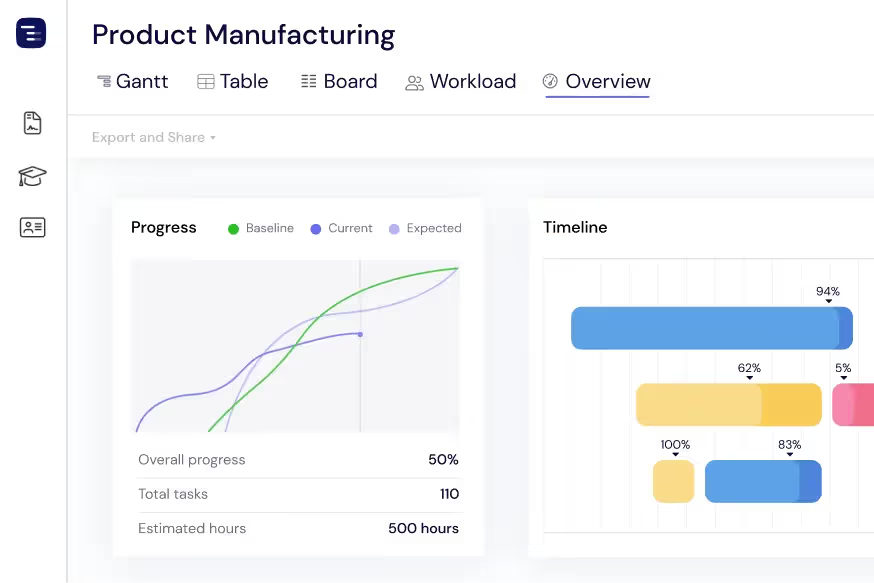
工場全体の概要を把握
オーバービュー表示により、すべての生産ラインとプロジェクトを一目で確認できます。詳細に迷うことなく、進捗状況、納期、リソースの使用状況を監視します。ガント、テーブル、ボードの各ビューを切り替えて、必要な情報を取得できます。
ステークホルダーとの進捗共有
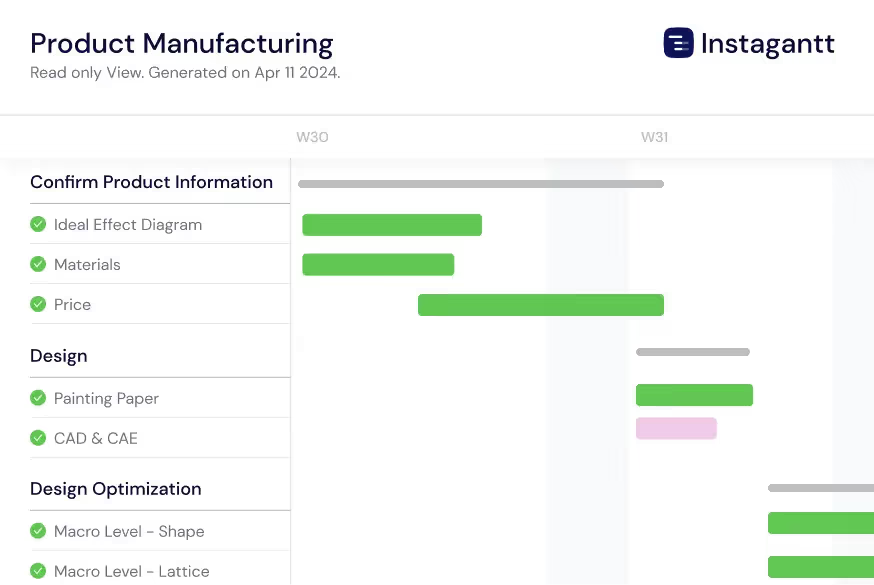
生産スケジュールをPDF、PNG、またはスプレッドシートとしてエクスポートし、工場管理者、クライアント、サプライヤーと共有します。パブリックスナップショットを使用して、ステークホルダーにInstagantt上の製造タイムラインをライブ(閲覧専用)で表示させることができます。
Track Quality and Compliance Milestones
Set quality assurance checkpoints, regulatory inspections, and certification milestones throughout your production timeline. Connect QA gates to production phases with dependencies so downstream work cannot proceed until quality checks pass. Track ISO certification timelines, FDA compliance deadlines, and industry-specific regulatory requirements alongside your production schedule. When an inspection reveals a defect, immediately see the impact on downstream operations and delivery commitments. This proactive quality tracking helps manufacturing teams catch issues early, reduce rework costs, and maintain compliance with industry standards.
Coordinate Supply Chain Dependencies
Map your entire supply chain on the Gantt chart by linking material procurement, supplier deliveries, and inventory management to production tasks. See which materials are on order, which suppliers have confirmed delivery dates, and which raw materials are at risk of delay. When a supplier pushes back a delivery date, the production tasks that depend on that material automatically adjust, giving you an immediate view of the impact on your production schedule and customer commitments. This supply chain visibility helps procurement teams prioritize vendor follow-ups and identify alternative sourcing options before shortages halt production.
Plan Equipment Maintenance Windows
Schedule preventive maintenance, equipment calibration, and facility upgrades alongside your production runs to minimize unplanned downtime. Visualize maintenance windows on the same Gantt chart as production schedules so you can plan maintenance during natural breaks between production runs rather than interrupting active orders. Track maintenance dependencies — technician availability, spare parts procurement, and vendor service appointments — to ensure everything is ready when the maintenance window opens. Proactive maintenance planning reduces emergency repair costs and extends equipment lifespan.
AI-Powered Production Planning
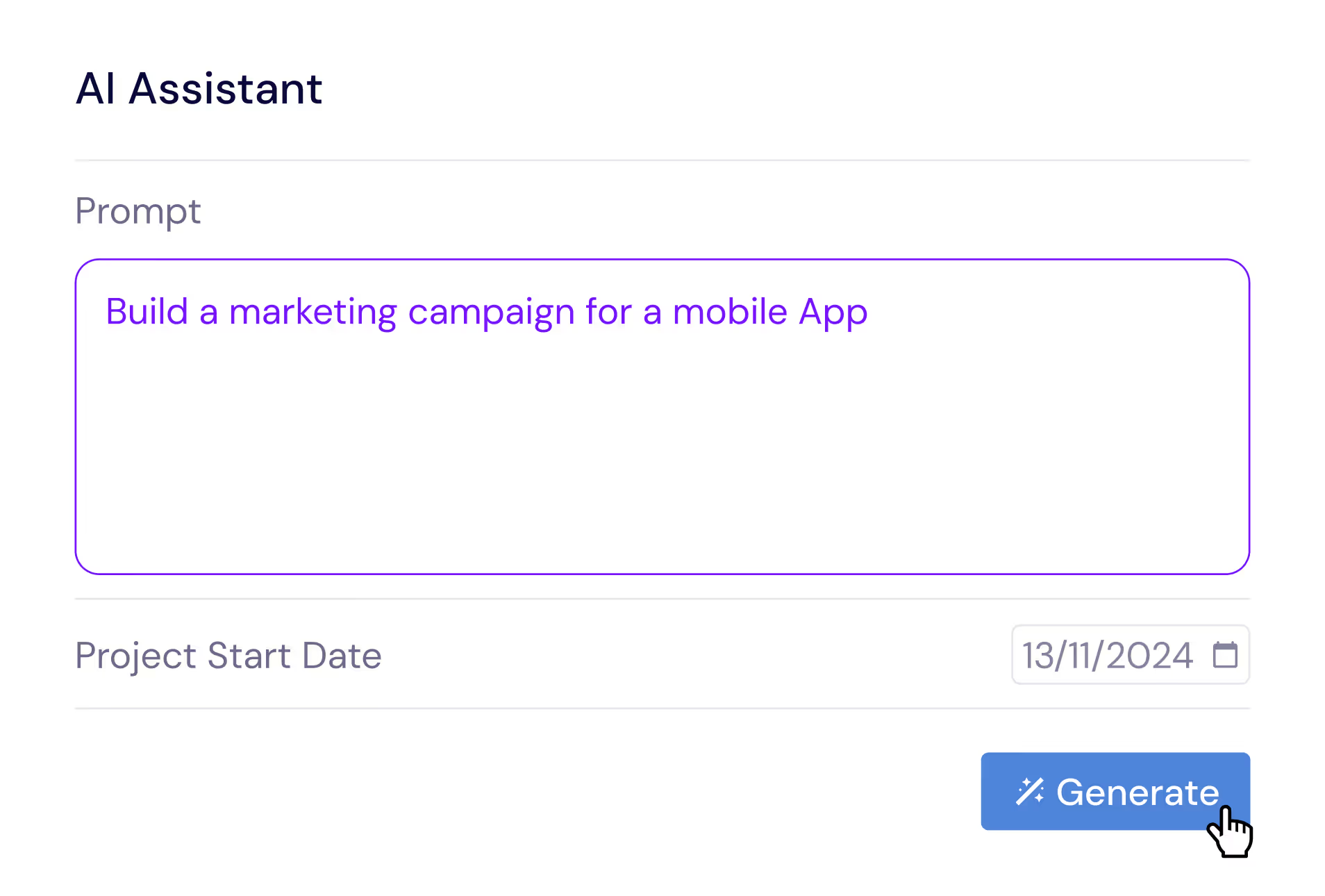
Describe your manufacturing project in plain English and let the AI Assistant generate a complete production plan with tasks, subtasks, estimated durations, and dependencies. Say something like 'Plan a production run for 5000 units with procurement, machining, assembly, quality inspection, packaging, and shipping phases' and receive a professional production schedule in seconds. Refine the generated plan with follow-up prompts, then save it as a template for similar production runs. The AI understands manufacturing concepts like lead times, batch processing, and sequential quality gates and multi-stage inspection workflows.
Multi-Shift and Multi-Line Scheduling
Manage production across multiple shifts, production lines, and facilities on a single Gantt chart. Assign operators and equipment to specific shifts, visualize capacity by line and shift, and identify opportunities to move work between lines to optimize throughput. For multi-plant operations, use workbooks to group facility-specific projects while maintaining cross-plant visibility. This multi-dimensional scheduling capability is essential for manufacturing organizations that need to maximize production capacity while maintaining quality standards across all shifts and facilities.
Delivery Coordination and Customer Commitments
Track outbound logistics and coordinate delivery schedules with customer commitments on your production timeline. Link finished goods milestones to shipping, customs clearance, and delivery tasks so you can see the end-to-end timeline from raw material arrival through customer delivery. When production delays occur, immediately assess the impact on delivery dates and communicate proactively with customers about revised timelines. This delivery visibility helps sales teams set accurate expectations and customer success teams manage relationships during schedule changes.
Multiple Views for Manufacturing Data
Switch between Gantt chart, Table View, Board View, and Overview depending on the information you need. Use the Gantt chart for production scheduling and dependency management, the Table View for detailed data analysis and inventory tracking, the Board View for visual work-in-progress management, and the Overview for plant-wide status reporting. Each view shows the same production data from a different perspective, making it easy to communicate with different audiences — shop floor managers, quality engineers, procurement teams, and executive leadership.