Gantt-Diagramme für das Bauwesen
Planen Sie Bauprojekte mit detaillierten Phasenaufgliederungen, Ressourcenplanung und Meilenstein-Tracking, speziell entwickelt für die Bauindustrie.





Über 25.000 Teams weltweit vertrauen uns
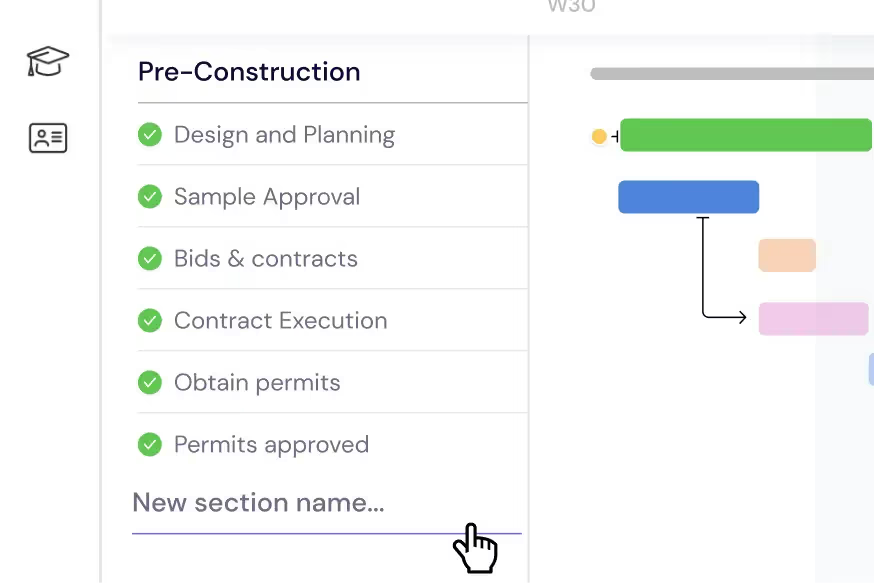
Planen Sie Ihre Bauphasen
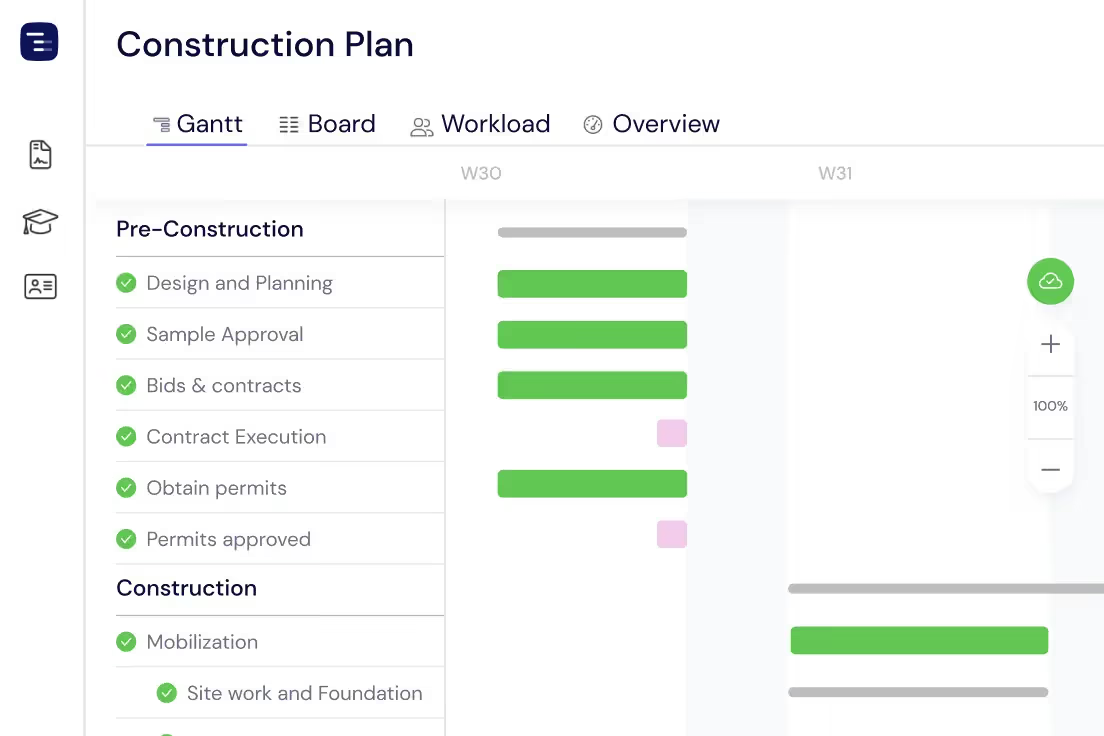
Gliedern Sie Ihr Bauprojekt in überschaubare Aufgaben und Unteraufgaben. Organisieren Sie jede Phase – von der Baustellenvorbereitung und dem Fundament bis hin zum Rohbau, der TGA und dem Ausbau – in klare Abschnitte mit Fristen, Abhängigkeiten und Inspektionsmeilensteinen in Ihrem Gantt-Diagramm.
Teams & Subunternehmer verwalten
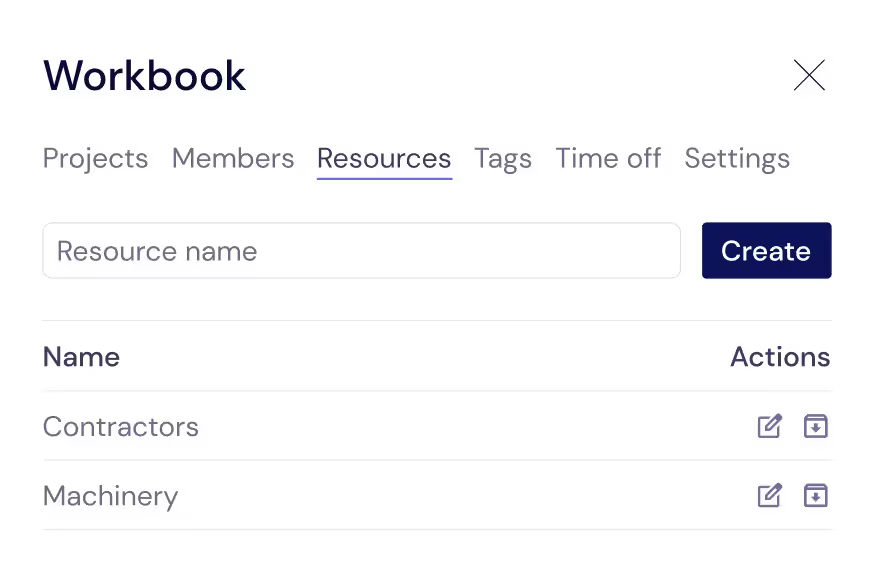
Verfolgen Sie jede Ressource, die Ihre Baustelle am Laufen hält – Hilfsarbeiter, Fachhandwerker, Subunternehmer und Mietgeräte. Weisen Sie sie Aufgaben zu, damit Sie immer wissen, wer wann vor Ort ist und wann welches Gewerk beginnen soll.
Arbeitsbelastung auf der Baustelle ausgleichen
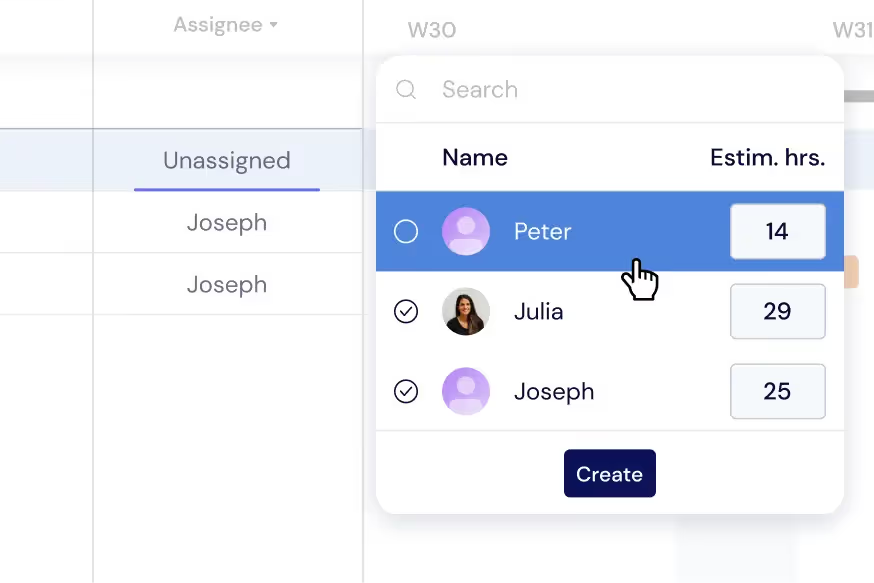
Verteilen Sie Aufgaben auf Teams und Gewerke, um Terminkonflikte und kostspielige Ausfallzeiten zu vermeiden. Überwachen Sie die Arbeitslast direkt in Ihrem Gantt-Diagramm oder wechseln Sie zur Workload-Ansicht, um Aufgaben über aktive Baustellen hinweg in Echtzeit neu zu verteilen.
Erhalten Sie einen standortübergreifenden Überblick
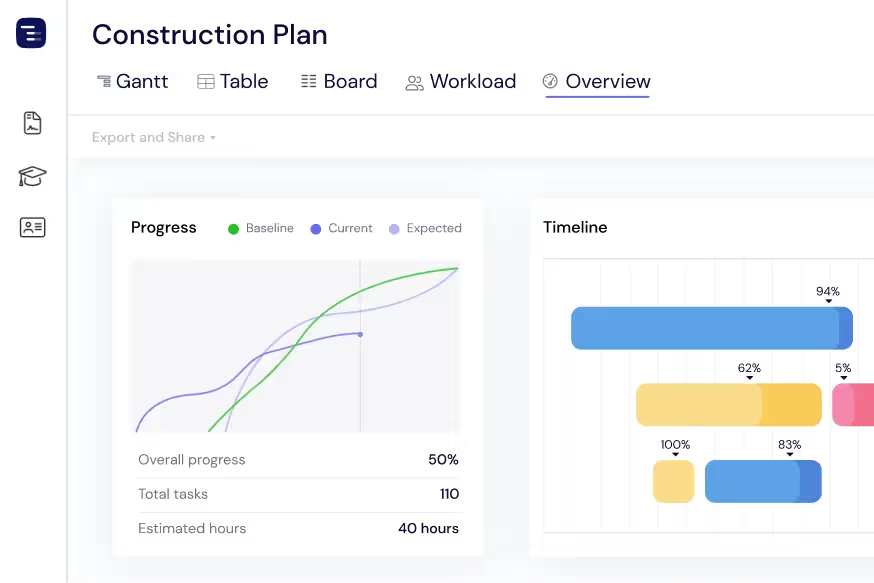
Behalten Sie mit der Overview-Ansicht jedes aktive Projekt und jede Baustelle im Blick. Überwachen Sie den Baufortschritt, Genehmigungsfristen und die Verfügbarkeit von Teams, ohne sich in Details zu verlieren. Wechseln Sie nach Bedarf zwischen Gantt-, Tabellen- oder Board-Ansichten.
Fortschritte mit Kunden & Eigentümern teilen
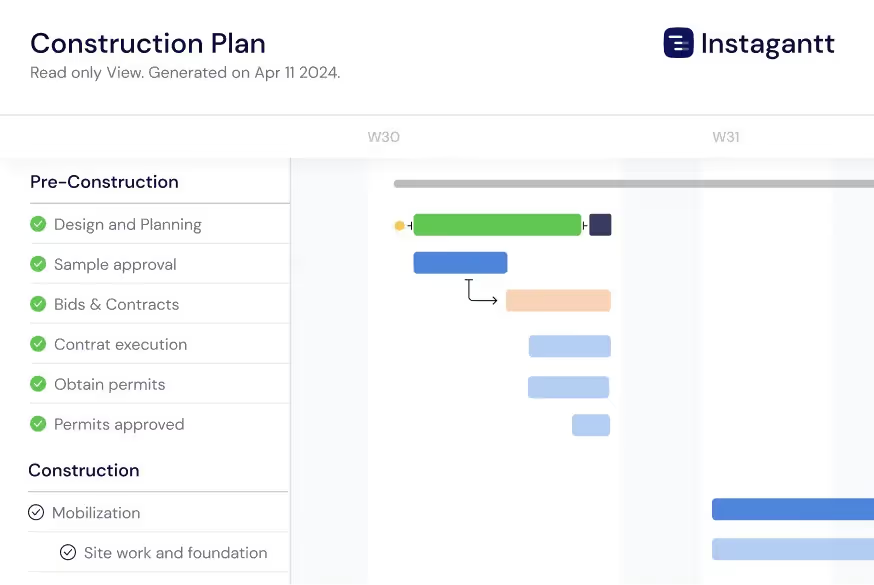
Exportieren Sie Bauzeitpläne als PDF, PNG oder Tabellen, um sie mit Immobilieneigentümern, Generalunternehmern und Investoren zu teilen. Nutzen Sie öffentliche Snapshots, um Stakeholdern einen schreibgeschützten Live-Einblick in Ihren Zeitplan auf Instagantt zu geben.
Track Inspections and Permits
Schedule building inspections, permit applications, and regulatory checkpoints throughout your construction timeline with clear dependencies to prerequisite work. Connect inspection milestones to the construction tasks that must be completed before each inspection can pass — framing inspection requires framing completion, electrical rough-in inspection requires wiring installation. Track inspection request lead times and schedule them proactively so inspectors do not become a bottleneck in your build sequence. When an inspection fails, immediately see the impact on downstream phases and adjust your schedule accordingly.
Manage Material Deliveries
Track every material order from purchase requisition through supplier confirmation, shipping, and on-site delivery on your project timeline. Link material delivery dates to construction tasks with dependencies so you can see immediately when a late shipment will delay work. Long-lead items like structural steel, custom windows, specialty mechanical equipment, and imported fixtures can be tracked months in advance to ensure they arrive before the trade crew that needs them. When a supplier delays a shipment, the Gantt chart automatically shows the cascade effect on your construction schedule.
AI-Powered Build Planning
Describe your construction project in plain English and let the AI Assistant generate a complete build plan with phases, tasks, subtasks, estimated durations, and trade dependencies. Say something like 'Plan a 3-bedroom residential construction with site prep, foundation, framing, MEP, drywall, finishing, and landscaping phases' and receive a professional construction schedule in seconds. Refine the generated plan with follow-up prompts, then save it as a template for similar builds. The AI understands construction concepts like trade sequencing, inspection gates, and weather buffers.

Compare Schedules with Baselines
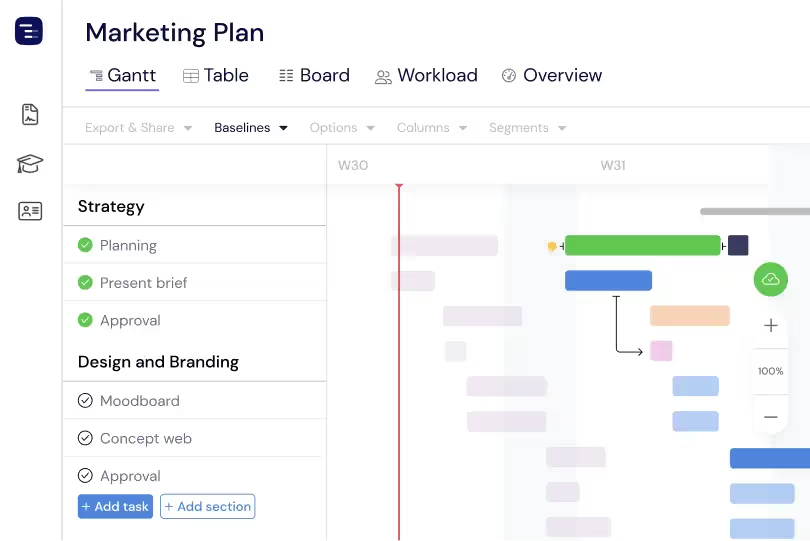
Create baseline snapshots of your construction schedule at contract signing, groundbreaking, or any major milestone and compare the original plan against actual progress throughout the build. Baselines make schedule drift visible and quantifiable — see which phases started late, which trades took longer than estimated, and how weather delays and change orders have shifted the overall timeline. This plan-versus-actual comparison is essential for construction managers who need to document schedule changes for contract compliance, justify timeline extensions, improve estimating accuracy for future projects, and maintain accurate project documentation. The visual baseline overlay makes schedule changes immediately apparent to all stakeholders.
Multiple Views for Construction Teams
Switch between Gantt chart, Table View, Board View, and Overview depending on the information your construction team needs. Use the Gantt chart for detailed phase planning with trade dependencies, the Table View for material tracking and cost analysis, the Board View for punch list and inspection management, and the Overview for site-wide progress reporting. Each view shows the same project data from a different perspective. Site managers can run daily coordination meetings using the Gantt chart and generate owner reports from the Overview without maintaining separate documents or spreadsheets.
Custom Fields for Construction Data
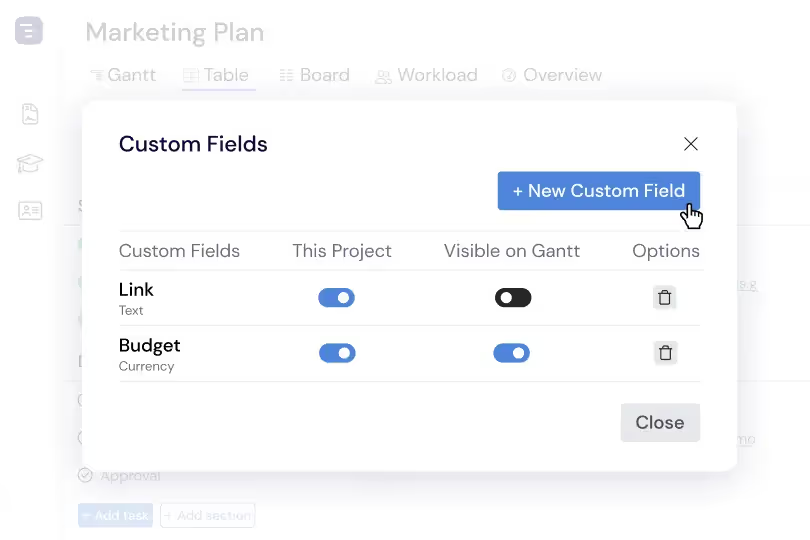
Add custom fields to capture construction-specific data like cost per task, trade classification, permit status, inspection result, change order number, and contract reference. Custom fields appear in the Table View as sortable, filterable columns, making it easy to generate reports by trade, analyze cost distribution by phase, or track permit approval status across all construction activities. This construction-specific data layer transforms your Gantt chart from a simple timeline into a comprehensive project management system tailored to how construction projects are actually managed and reported.